

As an Amazon Associate, I earn from qualifying purchases
Best MacBook for High School Students in 2026: A Complete Buying Guide
Choosing the best MacBook for a high school student can be challenging. Students need a laptop that is fast enough for schoolwork, portable enough to carry around every day, and reliable enough to last for several years. At the same time, parents and students need to consider the price, battery life, storage, screen size, and the type of schoolwork the computer will be used for.
Apple has several MacBook options, but not every model is necessary for a high school student. For most students, the 13-inch MacBook Air with the M5 chip offers the best balance of performance, portability, battery life, and value. Students with a smaller budget may also want to consider the more affordable MacBook Neo, while students doing advanced creative or technical work may benefit from a MacBook Pro.
In this guide, we look at the best MacBook options for high school students and explain what to consider before making a purchase.
Why Should a High School Student Choose a MacBook?
A laptop has become an important part of a student’s education. High school students may use their computers for writing essays, researching assignments, creating presentations, attending online classes, communicating with teachers, collaborating with classmates, and studying.
MacBooks are popular among students because they combine strong performance with a relatively portable design. Apple’s M-series chips are capable of handling everyday productivity tasks without requiring the higher-end hardware found in professional laptops.
Another major advantage is battery life. Students often spend many hours at school, in libraries, or studying away from home. A laptop with strong battery life means they do not have to constantly search for a power outlet.
MacBooks also provide a quiet experience. The MacBook Air uses a fanless design, so it can operate quietly while students are taking notes, writing assignments, or studying in a classroom or library.
Best Overall MacBook for High School Students: MacBook Air 13-inch M5
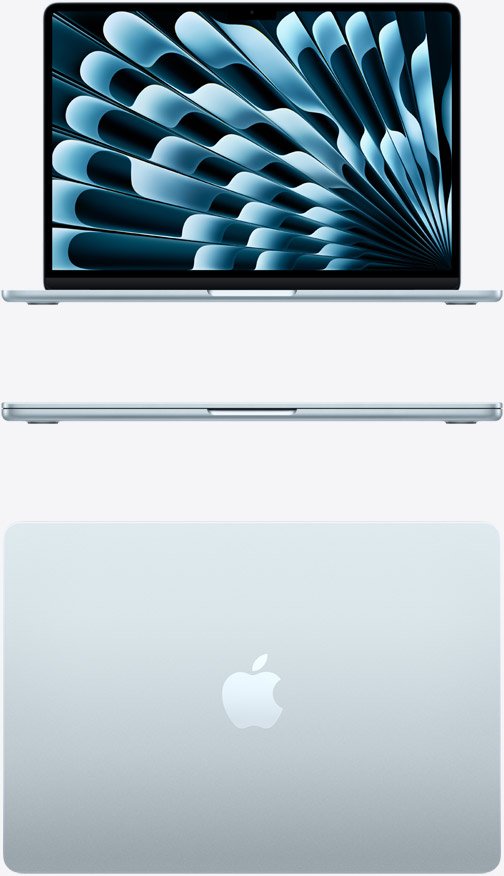
For the majority of high school students, the 13-inch MacBook Air with the M5 chip is the best choice.
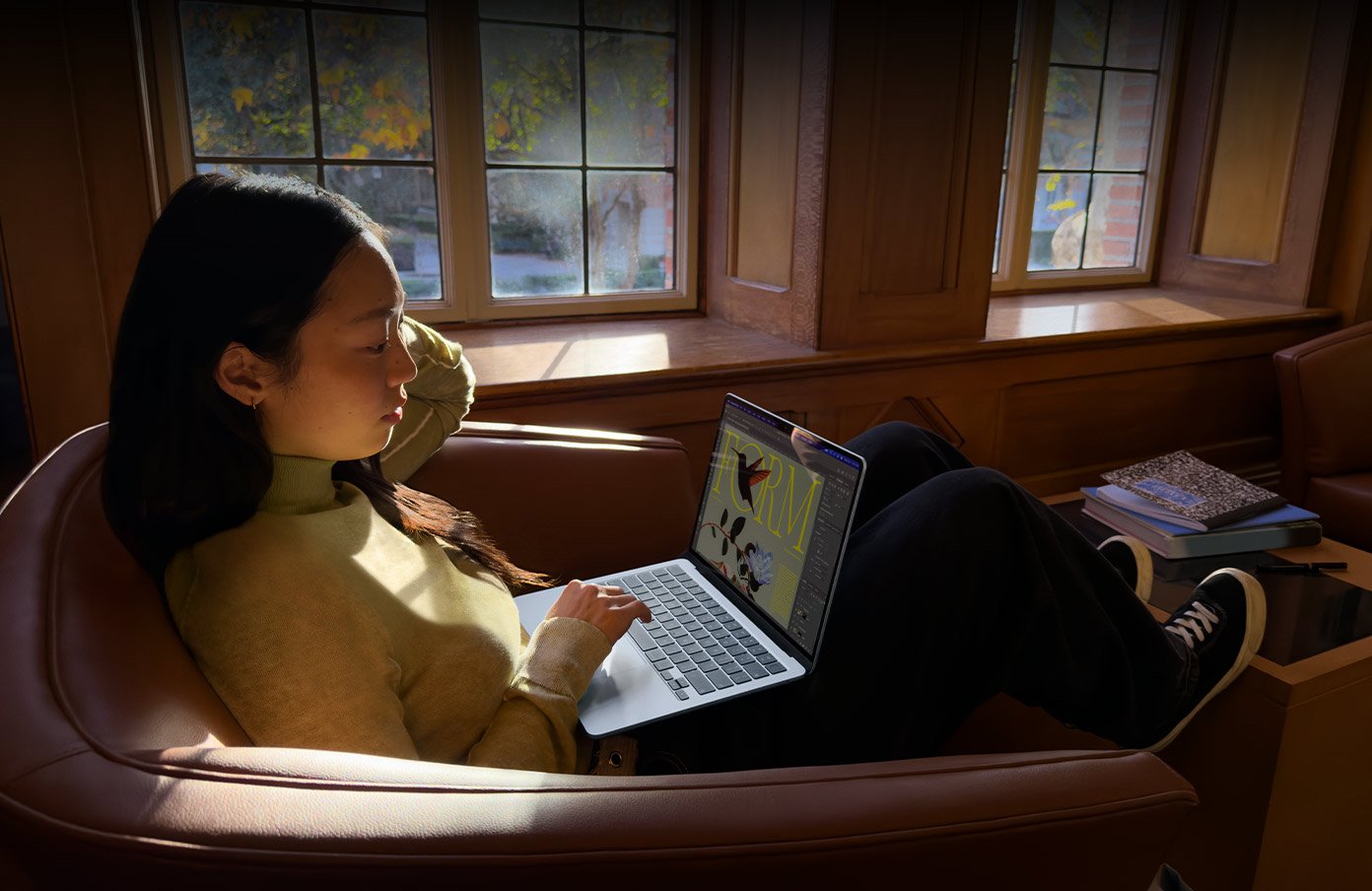
The MacBook Air is powerful enough for almost everything a typical student needs. It can handle web browsing, word processing, presentations, spreadsheets, video calls, online learning platforms, programming, photo editing, and many other everyday activities.
Its 13-inch size is also ideal for students who need to carry their computer between home and school. A larger laptop may provide more screen space, but portability is particularly important for students who already have books, notebooks, and other items in their backpacks.
The M5 chip also gives the MacBook Air enough performance to remain useful as school requirements become more demanding. A student can have multiple browser tabs, documents, applications, and communication tools open without needing a high-end professional laptop.
Why the MacBook Air M5 is a great student laptop https://amzn.to/4xCTHGb
There are several reasons why the MacBook Air M5 stands out:
- Strong performance for schoolwork
- Lightweight and portable design
- Excellent battery life
- Quiet fanless operation
- High-quality display
- 16GB of memory in the standard configuration
- 512GB of storage in the base M5 model
- Suitable for school, entertainment, and personal projects
The combination of 16GB of memory and 512GB of storage is especially useful for students who expect to keep their laptop for several years.
Best Budget MacBook for High School Students: MacBook
Not every student needs or can afford a MacBook Air. For families looking for a more affordable Apple laptop, the MacBook is worth considering.
The MacBook Neo is designed as a more affordable entry point into Apple’s laptop lineup. It is suitable for basic activities such as browsing the internet, writing school assignments, creating presentations, watching educational videos, attending online classes, and using productivity applications.
For a student whose main requirements are schoolwork and everyday computing, the Neo can provide the essential experience without the price of a higher-end MacBook.
However, there are compromises. The base configuration has less memory than the MacBook Air, and the Neo has fewer connectivity options. Students who want more performance, more storage, or a laptop designed to remain capable for many years may find the MacBook Air to be a better investment.
Therefore, the MacBook Neo makes the most sense when keeping the purchase price as low as possible is the main priority.
Is the MacBook Pro Worth It for High School Students?
The MacBook Pro is Apple’s professional laptop line. It offers more powerful hardware and features than the MacBook Air, but that does not automatically make it the best choice for a high school student.
Most students do not need the processing power of a MacBook Pro. If a student’s daily activities include writing essays, researching online, creating PowerPoint presentations, attending video classes, watching educational content, and using Google Docs, a MacBook Air should be more than sufficient.
A MacBook Pro becomes more interesting for students with specialized needs. For example, a high school student who is seriously involved in video editing, 3D design, music production, software development, or other demanding creative projects may benefit from its additional performance.
For everyone else, spending the extra money on a MacBook Pro may not provide much practical benefit.
13-inch vs. 15-inch MacBook Air
Students who choose the MacBook Air also have to decide which screen size is right for them.
The 13-inch MacBook Air is the better option for students who value portability. It takes up less space in a backpack and is easier to use in classrooms, libraries, coffee shops, and other smaller spaces.
The 15-inch MacBook Air, on the other hand, provides a larger workspace. This can be helpful for students who frequently multitask. For example, a student could have a research website open beside a document or work on a presentation while viewing reference material.
The larger screen is also useful for creative work, spreadsheets, and watching videos.
However, the larger model is less convenient to carry around. For most high school students, the 13-inch model is the safer choice because portability is likely to be more important than having a larger display.
How Much RAM Does a High School Student Need?
RAM, also called memory, affects how well a computer handles multiple applications and tasks at the same time.
For a high school student, 16GB of RAM is a good target if the laptop is expected to last several years.
A student may have a browser with numerous tabs open while also using a word processor, presentation software, messaging application, and video-conferencing program. Having enough memory helps the computer handle these tasks smoothly.
Students who only perform basic tasks may not need as much memory, but buying a configuration with more memory can improve the laptop’s usefulness over its lifetime.
This is one reason the MacBook Air M5 is such an attractive option: its standard configuration provides 16GB of memory.
How Much Storage Does a Student Need?
Storage is another important consideration.
Students will typically store documents, presentations, PDFs, photos, applications, videos, and other school materials on their computers. Although cloud storage can reduce the amount of local storage required, having enough internal storage is still convenient.
For most students, 512GB is a comfortable amount of storage.
Students who primarily use cloud services and save very few large files may be comfortable with less. However, students who edit videos, store large photo libraries, download games, or work on creative projects may eventually need more storage.
It is usually better to purchase enough storage at the beginning because upgrading a MacBook’s internal storage later is generally not as simple as replacing a traditional laptop drive.
Battery Life Matters for Students
Battery life is one of the most important features of a student laptop.
A high school student may spend most of the day moving between classrooms, attending lessons, studying, and participating in extracurricular activities. Carrying a charger everywhere can be inconvenient.
The MacBook Air is particularly attractive because of its long battery life. Apple rates the M5 MacBook Air for up to 18 hours of battery life under specified conditions.
Actual battery life will vary depending on what the student is doing. Streaming video, gaming, video conferencing, and demanding applications can use more power than simple web browsing and document editing.
Nevertheless, the MacBook Air’s efficiency makes it well suited to students who need a computer that can keep working throughout a school day.
Check Your School’s Software Requirements
Before purchasing any MacBook, students and parents should check the software requirements of the school.
Most common educational activities work perfectly well on macOS. Students can use web browsers, Microsoft Office, Google Workspace, Zoom, video-conferencing applications, programming tools, and many other educational platforms.
However, some schools or specific courses may require Windows-only applications.
This can be particularly important for students studying subjects such as engineering, certain technical courses, or specialized software programs. Checking with the school before buying can prevent compatibility problems later.
What About Gaming?
Gaming should not normally be the main reason for choosing a high school laptop.
While MacBooks can run some games, the gaming ecosystem on macOS is not as broad as on Windows. Students who primarily want a laptop for gaming may want to consider a Windows gaming laptop instead.
However, if gaming is only an occasional activity, a MacBook Air can still provide an excellent computer for schoolwork, entertainment, streaming, browsing, and other everyday activities.
Can a MacBook Last Through High School?
One of the biggest advantages of buying a quality laptop is longevity.
A well-chosen MacBook can potentially remain useful for several years. Students should therefore think beyond what they need during their first year of high school.
Buying a model with sufficient memory and storage can help extend its useful life. It is also important to keep the computer updated, protect it from physical damage, and maintain adequate free storage.
For families that can afford it, spending a little more on a capable MacBook Air configuration can be more economical in the long term than buying a very basic laptop and replacing it sooner.
MacBook Buying Guide: Which One Should You Choose?
Here is a simple way to decide:
Choose the 13-inch MacBook Air M5 if:
You want the best overall combination of performance, portability, battery life, and storage for high school.
Choose the MacBook Neo if:
Your budget is limited and the student’s needs are mainly browsing, writing, presentations, video calls, and other basic tasks.
Choose the 15-inch MacBook Air if:
You want a larger screen for multitasking and do not mind carrying a larger laptop.
Choose the MacBook Pro if:
The student regularly performs demanding tasks such as advanced video editing, 3D design, professional music production, or intensive programming.
Final Verdict
For most high school students in 2026, the 13-inch MacBook Air with the M5 chip is the best MacBook overall. It offers enough performance for school assignments, online learning, research, presentations, programming, communication, entertainment, and many creative activities.
Its combination of portability, long battery life, quiet operation, and strong performance makes it particularly suitable for student life. The standard 16GB memory and 512GB storage configuration also make it a strong choice for students who want a laptop they can keep for several years.
For families with a tighter budget, the MacBook Neo provides a more affordable way to enter Apple’s laptop ecosystem. Meanwhile, students with demanding creative or technical workloads may benefit from a MacBook Pro.
Ultimately, the best MacBook for a high school student is not necessarily the most expensive model. The right choice depends on the student’s school requirements, budget, workload, and how long they expect to use the laptop. For the majority of students, however, the MacBook Air offers the best balance and is the model we would recommend first.