

As an Amazon Associate, I earn from qualifying purchases
Choosing between a MacBook Air vs MacBook Pro for students can be surprisingly difficult.
Both are powerful enough for school and college work, but they are designed for different types of users. The MacBook Air focuses on portability, battery life, and value, while the MacBook Pro is designed for students who need more sustained performance and advanced features.
For most students, the MacBook Air is the better choice in 2026.
Apple’s current education lineup describes the MacBook Air as suitable for almost any major, while the MacBook Pro is aimed at power- and graphics-intensive majors.
So, when is the Pro actually worth the extra money?
Quick Answer: MacBook Air or Pro for Students?
Buy the MacBook Air if you are a typical student.
It is powerful enough for writing assignments, research, presentations, programming, video calls, browsing, and most creative work.
Buy the MacBook Pro if your degree involves demanding workloads, such as professional video editing, 3D work, advanced data science, large software projects, or other applications that can benefit from sustained performance.
|
Feature |
||
|
Best for |
Most students |
Demanding majors |
|
Portability |
Excellent |
Good |
|
Battery life |
Up to 18 hours |
Up to 24 hours |
|
Display |
Liquid Retina |
Liquid Retina XDR |
|
Cooling |
Fanless |
Active cooling |
|
Performance |
Excellent |
Higher sustained performance |
|
Ports |
Fewer |
More |
|
Overall student value |
Excellent |
Best for power users |
1. MacBook Air — Best MacBook for Most Students
The MacBook Air is the easiest recommendation for most students.
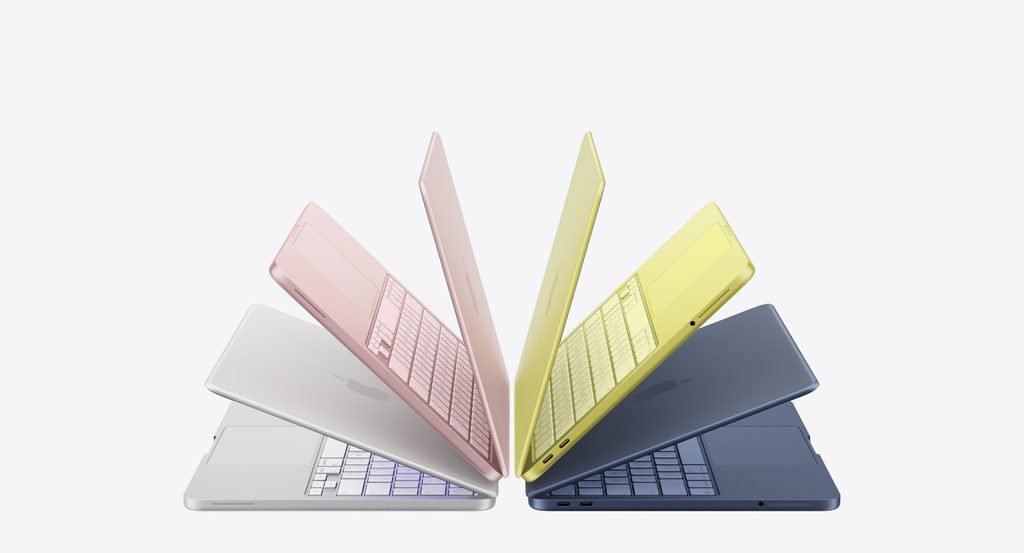
The current 13-inch and 15-inch MacBook Air models use Apple’s M5 chip and offer up to 18 hours of battery life. The 13-inch model weighs about 1.23 kg, making it particularly convenient for students who carry their laptop around campus or between classrooms.
Why the MacBook Air is so good for students
A typical student can use it for:
- Microsoft Word and PowerPoint
- Google Docs
- Web research
- Online classes
- Zoom and video calls
- Programming
- Presentations
- Photo editing
- Light video editing
- Music production
- Streaming and entertainment
The biggest advantage is that you get strong performance without carrying a heavy professional workstation.
Is the MacBook Air powerful enough for college?
For most students, yes.
Unless your course specifically requires high-end computing or graphics performance, spending extra on a MacBook Pro may not make a meaningful difference.
2. MacBook Pro — Best for Demanding Students
The MacBook Pro is designed for students who need more than everyday productivity.
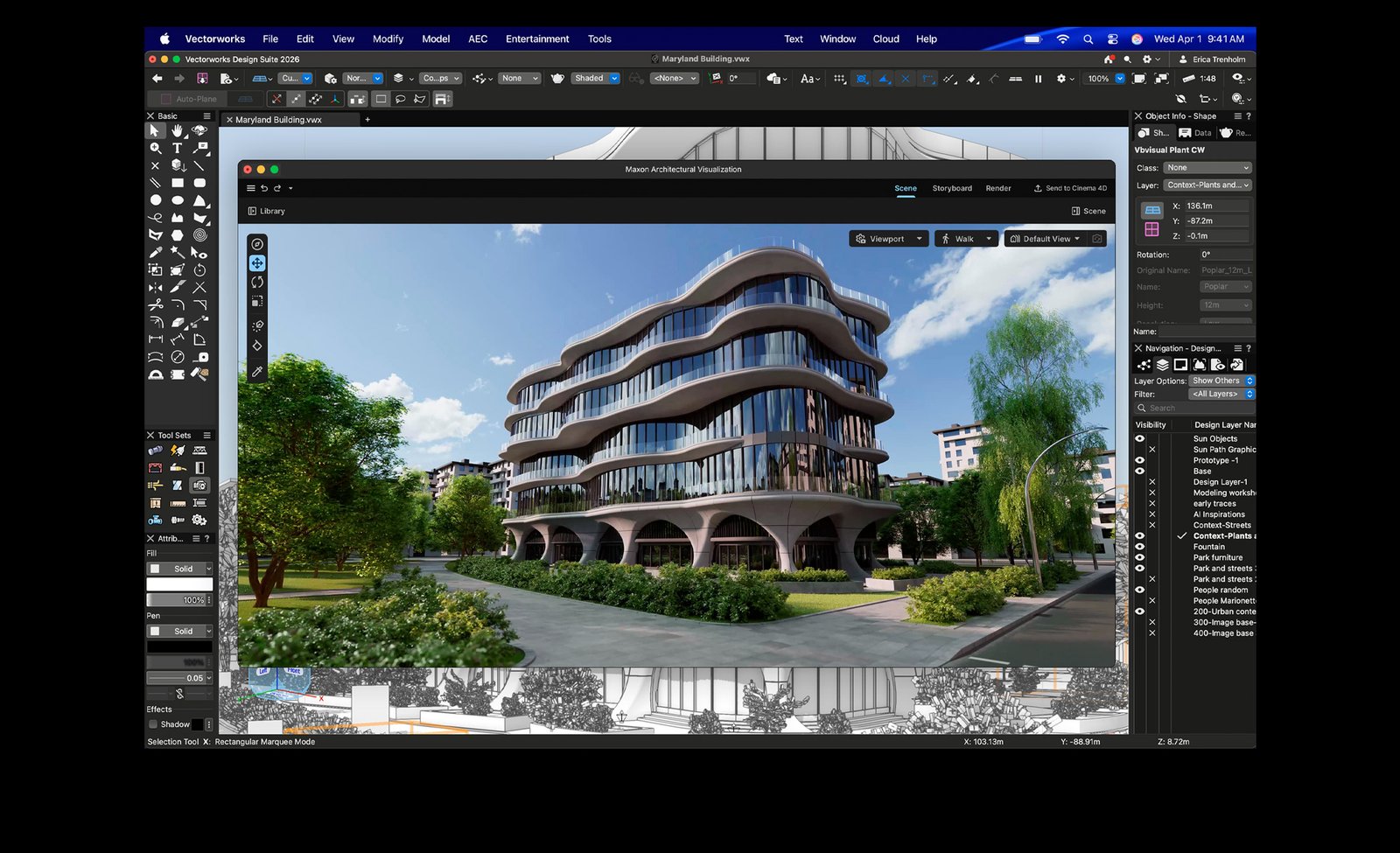
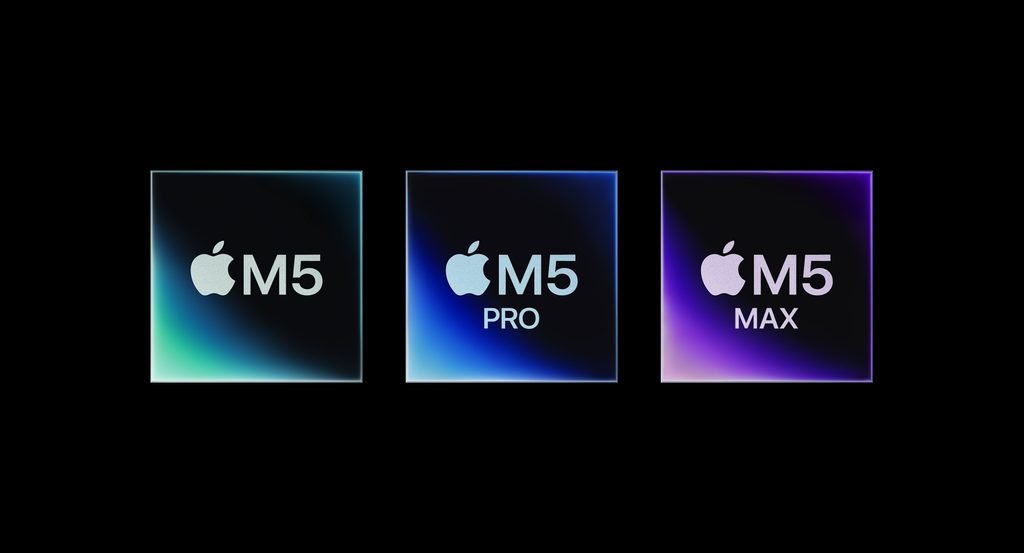
The current lineup includes M5, M5 Pro, and M5 Max configurations, with 14-inch and 16-inch models. Apple positions these machines specifically toward power- and graphics-intensive majors. citeturn0search0turn0search3
A MacBook Pro makes more sense for students studying:
- Film production
- 3D animation
- Advanced graphic design
- Engineering
- Data science
- Machine learning
- Professional music production
- Computer science with demanding development environments
The Pro also provides more ports, a higher-end display, and better sustained performance for workloads that run for long periods.
MacBook Air vs Pro: Performance
For everyday student work, both machines are extremely capable.
The difference becomes more important when you perform demanding tasks for extended periods.
The MacBook Air uses a fanless design, which keeps it quiet but means sustained heavy workloads can eventually be limited by thermal constraints.
The MacBook Pro has active cooling and higher-end chip options, allowing it to maintain stronger performance during demanding workloads.
For normal schoolwork
MacBook Air wins on value.
For demanding workloads
MacBook Pro wins on performance.
The important question is whether you actually need that additional performance.
MacBook Air vs Pro
: Battery Life
Battery life is another important consideration for students.
Apple rates the current MacBook Air for up to 18 hours, while current MacBook Pro models can reach up to 24 hours, depending on configuration and usage.
Both are excellent for a full day of classes.
The Air’s lighter weight can arguably matter more than the additional battery capacity of the Pro because students often carry their laptop everywhere.
Winner for portability: MacBook Air
Winner for maximum battery life: MacBook Pro
MacBook Air vs Pro: Display
The MacBook Pro has the superior display.
Current MacBook Pro models use a Liquid Retina XDR display, while the MacBook Air uses a Liquid Retina display. citeturn0search6
For writing essays, browsing websites, watching lectures, and working on presentations, the Air’s screen is already excellent.
The Pro’s display becomes more valuable for students working with:
- HDR video
- Professional photography
- Color-sensitive design
- Film production
- High-end visual work
For a typical student, the Air’s display is more than enough.
Winner: MacBook Pro
MacBook Air vs Pro: Portability
This is one of the Air’s biggest advantages.
The 13-inch MacBook Air weighs approximately 1.23 kg, while current MacBook Pro models range from about 1.55 kg to 2.15 kg depending on size and configuration.
That difference matters when you’re carrying your laptop in a backpack every day.
If you’re constantly moving between lectures, libraries, coffee shops, and home, the Air is easier to live with.
Winner: MacBook Air
MacBook Air vs Pro: Ports
The MacBook Pro wins when it comes to connectivity.
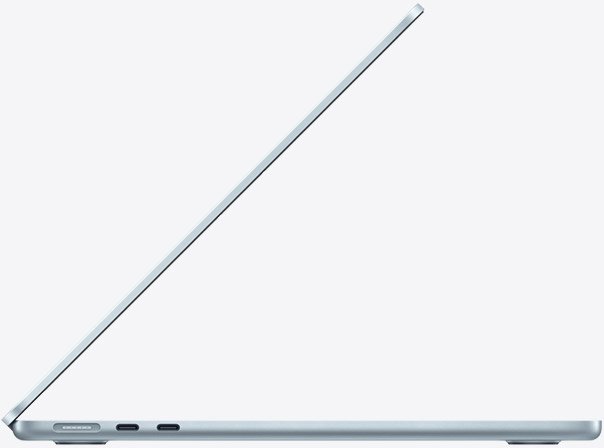
The current Pro lineup includes Thunderbolt ports, HDMI, SDXC, headphone connectivity, and MagSafe. The Air has fewer built-in connections and relies more heavily on adapters or docks for some setups.
This matters if you regularly connect:
- External monitors
- SD cards
- Cameras
- External drives
- Projectors
- Other professional equipment
For ordinary student use, however, the Air’s ports are usually sufficient.
Which MacBook Is Better for Computer Science Students?
For most computer science students, the MacBook Air is enough.
It can handle coding environments, web development, programming languages, databases, and typical development tools.
However, students working with virtual machines, emulators, large software projects, containers, local AI models, or other demanding workloads may benefit from a MacBook Pro with more memory and processing power.
If you’re studying computer science and don’t yet know what your workload will become, a 16GB-or-more MacBook Air is a sensible starting point.
Which MacBook Is Better for Engineering Students?
This depends heavily on your course.
Some engineering software is designed primarily for Windows, so you should check your university’s required applications before buying a Mac.
If the required software runs natively on macOS and your work is not extremely demanding, the MacBook Air can be sufficient.
For advanced simulations, 3D rendering, or computationally intensive work, the MacBook Pro is the safer choice.
Which MacBook Is Better for Medical Students?
For most medical students, the MacBook Air is the better option.
Typical medical-school tasks include:
- Reading PDFs
- Research
- Writing papers
- Presentations
- Video lectures
- Web browsing
- Online meetings
- Note-taking
These don’t normally require a MacBook Pro.
The Air is lighter and less expensive, making it easier to carry around campus.
MacBook Air vs Pro for College: Which Offers Better Value?
For most students, the Air provides better value.
You are paying for the Pro’s extra performance, display quality, cooling system, and connectivity.
If you don’t need those features, that extra money could be better spent on:
- More RAM
- More storage
- A monitor
- A docking station
- External backup storage
- AppleCare+
- Other study equipment
This is particularly important in 2026 because current education pricing puts a significant gap between the MacBook Air and Pro.
How Much RAM Should a Student Get?
For a new MacBook in 2026, 16GB is the recommended starting point for most students.
It’s enough for normal multitasking, schoolwork, programming, research, and moderate creative work.
If you’re studying video production, engineering, data science, 3D design, or another demanding subject, consider 24GB or more depending on your applications.
The important thing is to buy enough memory at the time of purchase because modern Apple silicon MacBook memory cannot be upgraded later.
13-Inch or 15-Inch MacBook Air for Students?
The 13-inch MacBook Air is the better choice for students who prioritize portability.
The 15-inch MacBook Air is better if you want more screen space for multitasking, spreadsheets, coding, or split-screen work.
For students who carry their laptop everywhere, I’d choose the 13-inch model.
For students who mostly work at a desk, the 15-inch version can be worth considering.
Should Students Buy a MacBook Pro?
Only if they actually need it.
A MacBook Pro is worth the extra money if your course or personal projects require sustained high performance, professional graphics, advanced video editing, 3D work, or other demanding applications.
Otherwise, you’re likely paying for performance you won’t use.
Final Verdict: MacBook Air vs Pro for Students
For most students in 2026, the MacBook Air is the better MacBook to buy.
It is lighter, less expensive, powerful enough for most academic work, and offers excellent battery life. Current student-focused recommendations also continue to position the M5 MacBook Air as the standard choice for college students.
The MacBook Pro is the better choice for students with demanding workloads who can actually benefit from its higher performance, advanced display, additional ports, and active cooling.
Our recommendations
- Best MacBook for most students: MacBook Air 13-inch
- Best large-screen student MacBook: MacBook Air 15-inch
- Best MacBook for demanding majors: MacBook Pro 14-inch
- Best for portability: MacBook Air
- Best display: MacBook Pro
- Best battery life: MacBook Pro
- Best value: MacBook Air
- Best for video editing and 3D: MacBook Pro
Bottom line: Don’t buy a MacBook Pro simply because it’s more powerful. For most students, the MacBook Air provides everything they need at a lower price and with better portability. Buy the Pro only when your studies or projects genuinely require its extra performance.
Frequently Asked Questions
Is MacBook Air or Pro better for students?
The MacBook Air is better for most students because it offers excellent performance, long battery life, low weight, and better value. The MacBook Pro is better for demanding majors.
Is MacBook Air powerful enough for college?
Yes. The MacBook Air can handle writing, research, presentations, online classes, programming, video calls, and most everyday college workloads.
Do students really need a MacBook Pro?
Most students don’t. A MacBook Pro is mainly worthwhile for demanding creative, technical, scientific, or graphics-intensive workloads.
Is MacBook Air good for computer science students?
Yes. The MacBook Air is powerful enough for most programming and development work. Students using virtual machines, emulators, containers, or demanding local workloads may benefit from a Pro.
Is 16GB RAM enough for students?
Yes. 16GB is an excellent choice for most students in 2026 and provides enough memory for multitasking, productivity, programming, and moderate creative work.
Should I buy the 13-inch or 15-inch MacBook Air for college?
Choose the 13-inch model if portability is your priority. Choose the 15-inch model if you prefer a larger workspace and spend more time working at a desk.
Is MacBook Pro worth the extra money for students?
Usually not for basic schoolwork. It becomes worth the extra cost when you need its higher sustained performance, better display, additional ports, or more powerful chip options.