

As an Amazon Associate, I earn from qualifying purchases
If you’re looking for the best MacBook for video editing in 2026, the MacBook Pro with M5 Pro is the best choice for most serious editors.
The MacBook Air M5 is excellent for beginners and creators who prioritize portability, while the MacBook Pro with M5 Max is designed for demanding professional workflows involving 8K footage, complex effects and heavy rendering.
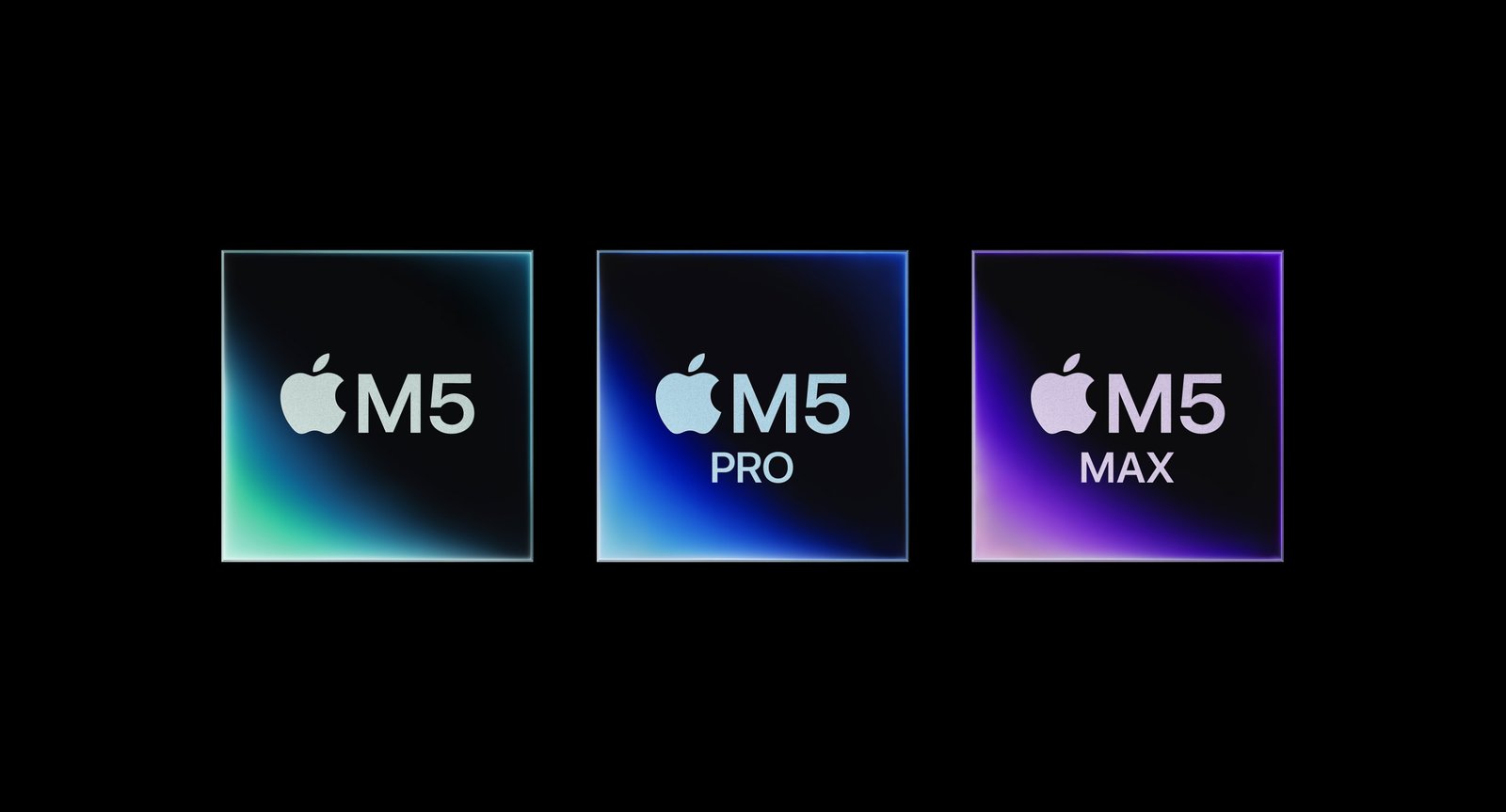
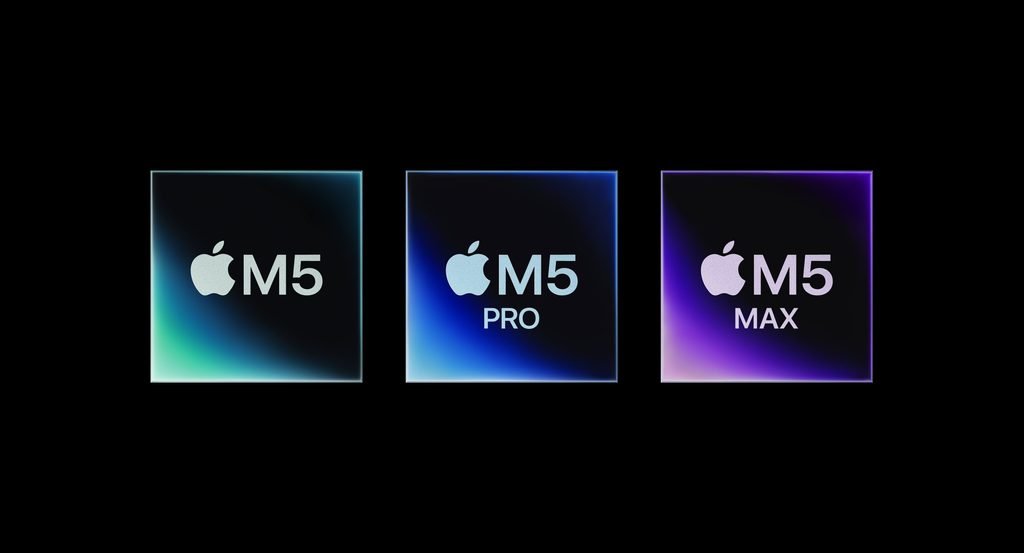
Apple’s M5 Pro and M5 Max MacBook Pro models launched in March 2026 with significant upgrades aimed at professional creative workloads, including video editing.
Best MacBooks for Video Editing
| MacBook | Best For | Recommended |
| MacBook Pro 14-inch M5 Pro | Professional 4K editing | 🏆 Best overall |
| MacBook Air M5 | Beginners & creators | 💰 Best value |
| MacBook Pro 16-inch M5 Pro | Long editing sessions | 🖥️ Best large screen |
| MacBook Pro M5 Max | 8K, VFX & professional work | 🚀 Best performance |
1. MacBook Pro M5 Pro — Best MacBook for Video Editing
For most professional video editors, the 14-inch MacBook Pro with M5 Pro is the sweet spot.
Current 2026 buying guides recommend the M5 Pro MacBook Pro as the best balance of performance and price for serious video editing.
It provides significantly more performance headroom than the MacBook Air, particularly when you’re exporting large projects or working with effects-heavy timelines.
Why it’s the best overall
- Powerful M5 Pro processor
- Strong GPU performance
- Excellent media-engine performance
- Liquid Retina XDR display
- ProMotion 120Hz refresh rate
- Thunderbolt 5 connectivity
- Excellent sustained performance
- Large memory configurations available
The built-in XDR display is also valuable for editors who need a high-quality screen for reviewing footage and color work.
Best for: Professional editors, YouTubers, filmmakers and creators working regularly with 4K or higher-resolution footage.
2. MacBook Air M5 — Best MacBook for Beginners
You don’t necessarily need a MacBook Pro to edit video.
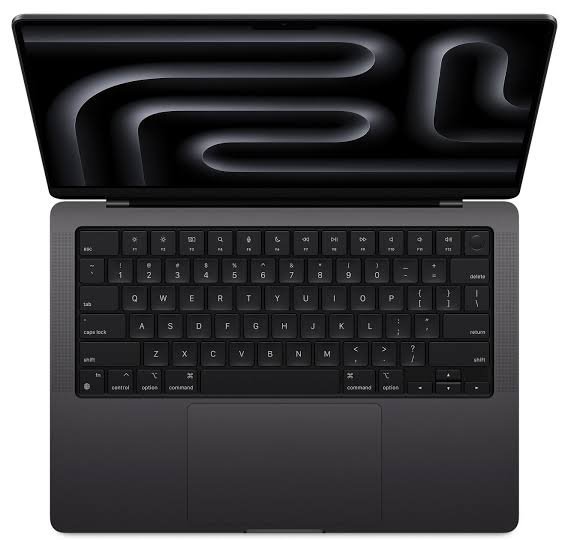
The MacBook Air M5 is surprisingly capable for video editing and is a much better choice if you’re a beginner, student or creator who prioritizes portability.
Recent testing found the M5 MacBook Air capable of handling 4K, 6K and even 8K H.265 footage in applications such as Final Cut Pro, Premiere Pro and DaVinci Resolve.
The biggest limitation is its fanless design.
The Air can deliver impressive performance, but prolonged rendering and export workloads can cause it to fall behind a MacBook Pro because the Pro has active cooling. Recent testing found this difference becomes particularly noticeable during sustained workloads.
Choose the Air if you:
- Edit YouTube videos
- Make social media content
- Edit occasional 4K footage
- Travel frequently
- Want a lighter laptop
- Don’t regularly perform long exports
Best for: Beginners, students and content creators.
3. MacBook Pro 16-inch M5 Pro — Best Large MacBook for Editing
If you spend several hours editing every day, the 16-inch MacBook Pro deserves serious consideration.
The larger display gives you more room for:
- Timelines
- Video previews
- Effects panels
- Color controls
- Audio tracks
The M5 Pro also provides the sustained performance needed for demanding workflows.
The downside is obvious: the 16-inch model is heavier and less portable than the 14-inch MacBook Pro.
If you’re frequently working at a desk, however, that larger screen can make editing much more comfortable.
Best for: Editors who want maximum screen space without moving to a desktop.
4. MacBook Pro M5 Max — Best for Professional 8K Editing
The M5 Max is the choice for editors who simply need the most performance available in a MacBook.
It is aimed at professional workloads such as:
- 8K video
- RAW footage
- Heavy color grading
- Complex motion graphics
- 3D work
- Visual effects
- Multicam projects
- Large professional timelines
Current 2026 testing places the M5 Max MacBook Pro at the top end of the MacBook video-editing hierarchy, while the M5 Pro is considered the better sweet spot for most editors.
The problem is price.
If you’re editing ordinary 4K YouTube videos, spending thousands more on an M5 Max may provide little practical benefit.
Best for: Professional filmmakers, VFX artists and high-end production studios.
How Much RAM Do You Need for Video Editing?
RAM matters considerably when you’re editing video.
As a general guide:
- 16GB: Basic 4K editing
- 24GB–32GB: Serious 4K editing
- 48GB+: Heavy professional workloads
For a new video-editing MacBook, I’d avoid buying the absolute minimum memory configuration if your budget allows an upgrade.
More memory becomes particularly useful when you’re running an editing application alongside Photoshop, After Effects, browsers and other programs.
How Much Storage Do You Need?
Video files can consume storage extremely quickly.
A MacBook with a 256GB SSD might be enough for basic editing, but it isn’t ideal for serious video production.
I’d recommend:
512GB: Beginner or occasional editor
1TB: Best for most serious editors
2TB+: Professional video production
Even with a large internal SSD, an external SSD is useful for storing footage and project libraries.
For professional editing, a fast external SSD can also allow you to keep your main MacBook storage free for applications and active projects.
for Video Editing
The choice comes down to how hard you push your computer.
| Feature | MacBook Air M5 | MacBook Pro M5 Pro |
| Basic 4K editing | Excellent | Excellent |
| Heavy 4K editing | Good | Excellent |
| 8K editing | Capable for some workflows | Better |
| Long exports | Good | Much better |
| Cooling | Fanless | Active cooling |
| Display | Liquid Retina | Liquid Retina XDR |
| Portability | Excellent | Very good |
| Professional work | Limited | Excellent |
The Air is powerful enough for many creators, but the Pro is the better investment if video editing is a major part of your job.
What About Final Cut Pro?
If you primarily use Final Cut Pro, MacBooks are particularly attractive because Apple’s software and hardware are tightly integrated.
The M-series chips include dedicated media capabilities designed to accelerate video workflows.
That doesn’t mean you need the most expensive MacBook.
Final Cut Pro users editing normal 4K footage can get excellent results from an M5 MacBook Air. Professional editors working with complex timelines should step up to an M5 Pro MacBook Pro.
What About Premiere Pro and DaVinci Resolve?
The same general recommendations apply.
Premiere Pro
An M5 MacBook Air is suitable for many 4K projects, while the M5 Pro MacBook Pro provides more headroom for effects, multitasking and long exports.
DaVinci Resolve
Resolve can make heavier demands on the GPU, particularly when using effects, color grading and Fusion.
For serious Resolve users, the M5 Pro is therefore a better starting point.
For extremely demanding 8K or VFX work, consider the M5 Max.
Is the MacBook Air M5 Good Enough for YouTube Video Editing?
Yes.
If you’re making YouTube videos, the M5 MacBook Air can be an excellent choice.
It can handle common workflows such as:
- 4K footage
- Cutting and trimming
- Titles
- Transitions
- Basic color correction
- YouTube exports
- Social media videos
You don’t need a $3,000+ MacBook Pro just to edit YouTube videos.
The Pro becomes worthwhile when your projects become longer, more complex or more effects-heavy.
Best MacBook for 4K Video Editing
For basic 4K editing, choose the M5 MacBook Air.
For professional 4K editing, choose the M5 Pro MacBook Pro.
For heavy 4K effects and multicam work, consider the M5 Max.
That gives you a simple upgrade path without spending money unnecessarily.
Best MacBook for 8K Video Editing
For serious 8K production, choose an M5 Pro or M5 Max MacBook Pro.
If you’re working with RAW footage, complex effects or heavy color grading, the M5 Max provides the greatest performance headroom.
However, not every 8K workflow requires an M5 Max. Your codec, editing software, effects and timeline complexity matter.
Should You Buy a MacBook Pro or MacBook Air for Video Editing?
Here’s the simplest recommendation:
Buy the MacBook Air M5 if you’re a beginner or occasional editor.
Buy the MacBook Pro M5 Pro if video editing is a serious part of your work.
Buy the M5 Max if you’re a professional handling extremely demanding projects.
This approach gives you the performance you need without automatically paying for hardware you won’t use.
Final Verdict
The MacBook Pro with M5 Pro is the best MacBook for video editing in 2026 for most serious editors. It offers the right balance of performance, display quality, cooling and portability.
For beginners and casual creators, the MacBook Air M5 is the better value. It’s powerful, portable and capable of surprisingly demanding video work.
For professional 8K, VFX and extremely demanding production, choose the M5 Max MacBook Pro.
Our picks:
- 🏆 Best overall: MacBook Pro 14-inch M5 Pro
- 💰 Best value: MacBook Air M5
- 🖥️ Best large screen: MacBook Pro 16-inch M5 Pro
- 🚀 Best performance: MacBook Pro M5 Max
- 🎓 Best for students: MacBook Air M5
- 🎬 Best for professional 4K: MacBook Pro M5 Pro
- 🎞️ Best for 8K/VFX: MacBook Pro M5 Max
Bottom line: Don’t buy the most expensive MacBook simply because it’s the fastest. For most video editors, M5 Pro + 24GB or more memory + 1TB storage is a much more sensible configuration than maxing out an M5 Max.
FAQs
What is the best MacBook for video editing in 2026?
The 14-inch MacBook Pro with M5 Pro is the best overall choice for serious video editors. The M5 Max is better for extreme professional workloads, while the M5 Air is better for beginners and casual creators.
Is MacBook Air M5 good for video editing?
Yes. The M5 MacBook Air can handle demanding video formats, including 4K and some 6K and 8K workflows. Its main limitation is sustained performance during long workloads because it uses fanless cooling.
How much RAM do I need for video editing on a MacBook?
16GB can handle basic editing, but 24GB or 32GB is a better target for serious 4K editing. Professional 8K, VFX and complex workflows can benefit from substantially more memory.
Is 512GB enough for video editing?
It can be enough for beginners, but 1TB is a better starting point for serious editors. Large video libraries should generally be stored on fast external SSDs.
Is MacBook Pro better than MacBook Air for video editing?
Yes, particularly for sustained professional workloads. The MacBook Pro has stronger configurations, active cooling and a better display, making it better suited to long editing and rendering sessions.
Is MacBook good for Premiere Pro?
Yes. Modern Apple silicon MacBooks can run Premiere Pro effectively. The M5 Air is suitable for lighter editing, while the M5 Pro and M5 Max MacBook Pro models are better for demanding professional projects.
Is MacBook good for DaVinci Resolve?
Yes. DaVinci Resolve runs well on Apple silicon, but demanding effects and color-grading workflows benefit from the stronger GPU configurations available in the MacBook Pro.