

As an Amazon Associate, I earn from qualifying purchases
The MacBook Pro with an M5 Pro or M5 Max chip is the strongest MacBook choice for demanding gaming.
If you’re looking for the best MacBook for gaming in 2026, there’s an important question to answer first:
Should you actually buy a MacBook for gaming?
Apple silicon has changed Mac gaming considerably. Modern MacBooks are powerful, efficient, and capable of running a growing selection of demanding games. Apple has also added features specifically designed to improve gaming, including Game Mode, Game Overlay, and newer graphics technologies through Metal.
But there’s still a major catch.
A MacBook can be a very good computer that also plays games well without necessarily being the best choice for someone whose main priority is gaming.
So, let’s look at the best MacBook options for gaming in 2026—and why you might still want a Windows gaming laptop instead.
Best MacBook for Gaming in 2026: Quick Answer
The MacBook Pro with an M5 Pro or M5 Max chip is the strongest MacBook choice for demanding gaming.
However, the MacBook Air M5 may make more sense for someone who wants one laptop for everyday work, school, content creation, and occasional gaming.
The important distinction is that the most powerful MacBook isn’t automatically the best gaming laptop overall.
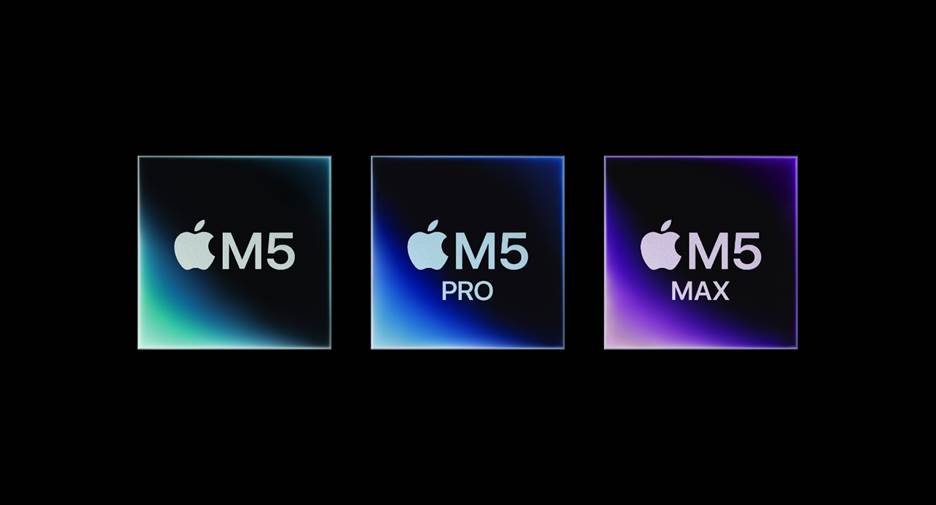
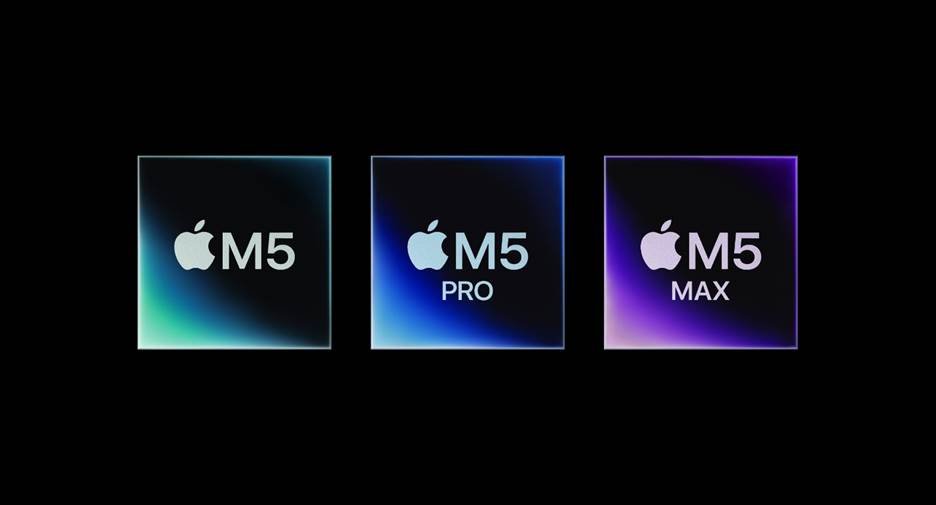
Apple’s M5 generation includes hardware-accelerated ray tracing, while macOS Tahoe introduces Metal 4 features such as MetalFX Frame Interpolation and MetalFX Denoising for supported games.
Quick recommendations
| MacBook | Best For | Gaming Recommendation |
| MacBook Air M5 | Casual gaming + everyday use | Good |
| MacBook Air M5 15-inch | Larger-screen gaming | Good |
| MacBook Pro 14-inch M5 | Gaming + professional work | Very good |
| MacBook Pro M5 Pro | Demanding gaming + creative work | Excellent MacBook choice |
| MacBook Pro M5 Max | Maximum Mac performance | Best MacBook for demanding games |
1. MacBook Pro M5 Pro — Best MacBook for Gaming
If you’re determined to buy a MacBook for gaming, the MacBook Pro with M5 Pro is one of the configurations worth looking at.
The reason is simple: gaming benefits from GPU performance, and the higher-end Apple silicon chips provide more graphics capability than the standard M5.
The MacBook Pro also gives you a better display experience than the MacBook Air.
For games that support macOS properly, the combination of Apple silicon, Metal, and Apple’s gaming features can provide a smooth experience.
But there’s an important limitation.
Game compatibility matters just as much as hardware performance.
A powerful MacBook cannot magically run a game that doesn’t have a compatible macOS version or isn’t supported through another method.
That’s one of the biggest reasons Mac gaming remains different from Windows PC gaming.
2. MacBook Pro M5 Max — Best for Maximum Gaming Performance on a Mac
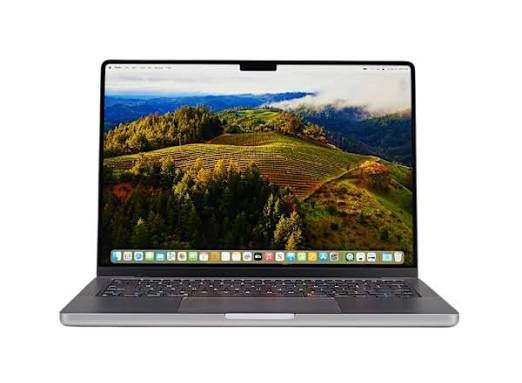
If your goal is simply to get the most powerful MacBook configuration possible for demanding games and other graphics-heavy work, the M5 Max MacBook Pro is the obvious high-end option.
M5 Max is designed for demanding professional workloads, including graphics-intensive applications.
That doesn’t mean every game will suddenly run perfectly.
The limiting factor can still be game availability, optimization, and macOS support rather than raw hardware.
For someone who also works with video editing, 3D rendering, photography, or other professional applications, however, the M5 Max can make considerably more sense than buying a gaming-focused laptop solely for games.
3. MacBook Air M5 — Best MacBook for Casual Gaming
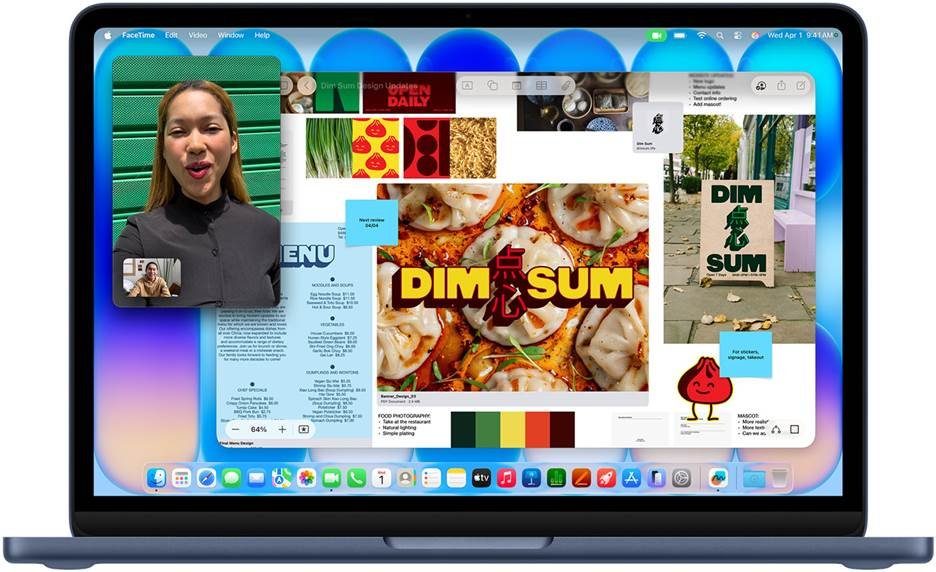
The MacBook Air M5 is probably the more interesting choice for everyday users.
Why?
Because you don’t need a MacBook Pro if gaming is only one part of what you do.
The M5 MacBook Air has a 10-core CPU, 10-core GPU, hardware-accelerated ray tracing, and 153GB/s memory bandwidth. It starts with 16GB of unified memory and 512GB of SSD storage, with options for up to 32GB memory and 4TB storage.
That is plenty of hardware for many Mac-compatible games.
Apple also specifically highlights the M5’s gaming and 3D performance improvements.
The downside is the Air’s passive cooling design.
For ordinary tasks, this is one of its strengths because the laptop is quiet. But long, demanding gaming sessions are different from browsing the web or writing documents.
If gaming is your primary use, a MacBook Pro’s active cooling and higher-performance configurations make more sense.
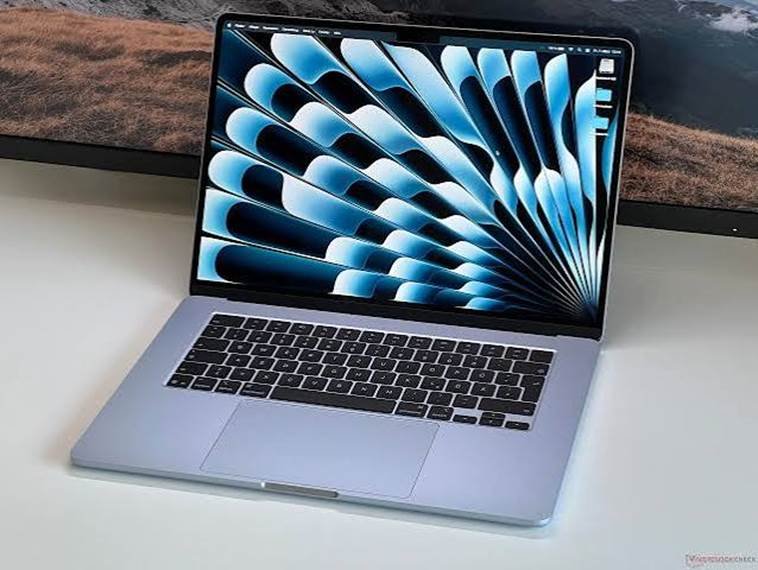
Is MacBook Good for Gaming?
Yes—but with an important qualification.
MacBooks can be good gaming computers when the game has strong macOS support.
Apple’s Game Mode prioritizes the game’s CPU and GPU resources while reducing background activity. It can also improve responsiveness for wireless controllers and AirPods by increasing Bluetooth sampling.
macOS Tahoe also introduced the Apple Games app and Game Overlay, while Metal 4 adds newer graphics technologies intended to improve rendering and frame rates in supported games.
So the old idea that “Macs can’t play games” isn’t accurate anymore.
The more accurate statement is:
Macs can play games, but the Mac gaming library is still different from the Windows gaming library.
And that’s the issue you should think about before buying one.
Why You Might NOT Want a MacBook for Gaming
This is the most important section of the article.
If you’re buying a laptop primarily for gaming, there are several reasons to think twice before choosing a MacBook.
1. Game Compatibility Is the Biggest Problem
A gaming laptop is only useful for the games you actually want to play.
Windows remains the dominant platform for PC gaming, while macOS has a smaller selection of native games.
Some major games are available on Mac. Others aren’t.
Before buying a MacBook specifically for gaming, check the system requirements and macOS availability for the exact games you want to play.
This is especially important if you mainly play competitive multiplayer games, where anti-cheat software and platform support can affect compatibility.
2. You Don’t Get the Same GPU Choice
Windows gaming laptops come with a huge range of dedicated GPUs.
You can choose from different graphics performance levels depending on your budget and gaming requirements.
MacBooks use Apple’s integrated architecture, with the GPU built into the Apple silicon system.
That architecture is extremely efficient, but it gives gamers fewer hardware choices.
You can’t simply buy a MacBook and later replace its GPU with a faster one.
3. MacBooks Aren’t Designed Primarily as Gaming Machines
Look at a typical gaming laptop and you’ll notice the difference.
Gaming laptops often prioritize:
- High-refresh-rate displays
- Dedicated GPUs
- Aggressive cooling
- Multiple USB ports
- Ethernet
- Gaming-focused software
- RGB keyboards
- Upgradeable components on some models
MacBooks prioritize a different combination:
- Portability
- Battery life
- Build quality
- Quiet operation
- Professional applications
- Display quality
- Productivity
That’s why a MacBook can be excellent for work and still not be the ideal gaming machine.
4. The Display Isn’t the Main Gaming Advantage
MacBook displays look fantastic, but gaming isn’t only about resolution and color.
Competitive gamers often care more about refresh rate, response time, and graphics performance.
The MacBook Pro’s ProMotion display can reach 120Hz, which is useful for smoother motion, but Windows gaming laptops offer displays with substantially higher refresh rates on some models.
If you’re serious about competitive gaming, that difference matters.
5. Storage Can Become a Problem
Modern games can be enormous.
A 512GB SSD may sound like a lot when you buy a laptop, but your operating system, applications, photos, videos, and games can consume it surprisingly quickly.
The M5 MacBook Air starts at 512GB, with options up to 4TB.
For gaming, I’d strongly consider 1TB or more if you intend to keep several large games installed.
MacBook Air vs MacBook Pro for Gaming
Which one should you choose?
MacBook Air M5
Choose the Air if:
- Gaming is occasional
- You mainly use the laptop for school or work
- You want a lightweight computer
- You play games that have good Mac support
- Battery life and portability matter
- You don’t need maximum graphics performance
The 15-inch Air is especially interesting if you want more screen space without moving to a MacBook Pro. It has a 15.3-inch display, 10-core GPU, 16GB standard memory, and up to 32GB unified memory.
MacBook Pro
Choose the Pro if:
- Gaming is more important to you
- You also perform demanding creative work
- You want more graphics performance
- You want an active cooling system
- You want the better ProMotion/XDR display
- You need more memory for professional applications
But remember: buying a more powerful MacBook Pro doesn’t solve the game-compatibility problem.
What Games Can You Play on Mac?
Mac gaming has improved significantly, and Apple highlights titles such as Resident Evil 4, Resident Evil Village, Death Stranding Director’s Cut, Stray, Lies of P, Frostpunk 2, and Civilization VI among games available for Mac.
The list continues to change, so don’t assume that a game is available—or unavailable—without checking its current macOS support.
This is especially important in 2026 because Apple’s gaming platform continues to evolve.
How Much RAM Do You Need for Mac Gaming?
For a MacBook used for gaming and general computing, 16GB is a sensible starting point.
The M5 MacBook Air already starts with 16GB unified memory.
Consider 24GB or 32GB if you also:
- Edit videos
- Use Photoshop
- Run virtual machines
- Keep many applications open
- Use demanding creative software
Don’t buy extra memory solely because a game says it needs a lot of RAM unless the game’s requirements actually justify it.
How Much Storage Do You Need for Mac Gaming?
I’d recommend:
512GB: Fine for occasional gaming.
1TB: Better for regular gamers.
2TB+: Useful if you keep many large games and creative files installed.
Remember that external storage isn’t always as convenient for gaming as internal storage, so don’t underestimate the value of having enough internal SSD space.
So, Should You Buy a MacBook for Gaming?
This depends on what you mean by “gaming.”
If you want a laptop that can do almost everything and also play supported games, a MacBook can make a lot of sense.
If you want a laptop specifically designed around PC gaming, a MacBook is a much less straightforward choice.
The M5 generation proves that Apple is taking Mac gaming more seriously. Hardware-accelerated ray tracing, Metal 4, Game Mode, Game Overlay, and the Apple Games app have all made the platform more gaming-focused.
But hardware is only half the story.
The software ecosystem matters just as much.
Final Verdict: Best MacBook for Gaming in 2026
The MacBook Pro with M5 Pro is the MacBook I’d look at first if gaming performance is your priority within Apple’s lineup.
For most people who want a MacBook for work, school, content creation, and occasional gaming, however, the MacBook Air M5 is a more practical choice.
The bigger question isn’t really which MacBook has the fastest chip.
It’s whether the games you want to play actually work well on macOS.
Our recommendations
Best MacBook for gaming: MacBook Pro M5 Pro
Best high-end option: MacBook Pro M5 Max
Best for casual gaming: MacBook Air M5
Best large-screen option: MacBook Air M5 15-inch
Best MacBook for gaming and professional work: MacBook Pro M5 Pro
Best choice for someone who mainly wants PC gaming: Consider a Windows gaming laptop instead.
In other words, MacBooks are no longer bad gaming machines—but they’re still specialized choices for gamers.
If you already love macOS and want to play supported games, a modern MacBook can be surprisingly capable.
If gaming is the number-one reason you’re buying a laptop, look beyond the processor and GPU. Game compatibility, graphics options, cooling, display refresh rate, and the games you actually play should determine your decision.
Frequently Asked Questions
Can you game on a MacBook in 2026?
Yes. Modern Apple silicon MacBooks support a growing selection of games, and macOS includes features such as Game Mode and Game Overlay designed to improve the gaming experience.
Is MacBook Air M5 good for gaming?
The MacBook Air M5 is suitable for casual and supported Mac gaming. It has a 10-core GPU, hardware-accelerated ray tracing, and starts with 16GB of unified memory.
Is MacBook Pro better for gaming?
For demanding Mac-compatible games, the higher-end MacBook Pro configurations offer more graphics and sustained-performance headroom. However, a MacBook Pro does not automatically provide access to games that aren’t supported on macOS.
Why isn’t MacBook considered a gaming laptop?
MacBooks aren’t designed primarily around gaming. Compared with dedicated Windows gaming laptops, they generally offer fewer GPU choices, a smaller game ecosystem, and fewer gaming-focused hardware configurations.
Is MacBook good for Steam gaming?
Some Steam games are available for macOS, while others are Windows-only. Always check the individual game’s current system requirements and macOS support before buying a MacBook for Steam gaming.
What is the best MacBook for gaming and school?
The MacBook Air M5 is a strong all-purpose option if you need a computer primarily for school and only occasionally play supported games.
Should I buy a MacBook or Windows laptop for gaming?
The answer depends on your games and priorities. A MacBook makes sense if you value macOS and also want to play compatible games. If your main priority is access to the broadest PC gaming ecosystem and dedicated gaming hardware, compare Windows gaming laptops instead.
[…] Best MacBook for Gaming (and Why Not) […]