

As an Amazon Associate, I earn from qualifying purchases
If you’re asking “Should I get a Mac or PC?”, you’re probably trying to avoid spending money on the wrong computer.
Both are good choices in 2026.
The better option depends on what you do, which apps you need, how much you want to spend, and whether you care about gaming, portability, or upgrade options.
A Mac can be an excellent choice for students, writers, professionals, programmers, and people who value battery life and a simple user experience.
A Windows PC can make more sense if you want more hardware choices, gaming support, broader compatibility, or a lower starting price.
So let’s break it down.
Mac vs PC: What’s the Difference?
The biggest difference is the operating system.
Mac computers use macOS, while most PCs use Windows 11.
Apple controls both the Mac hardware and macOS. Windows PCs, on the other hand, are made by many companies, including Lenovo, Dell, HP, ASUS, Acer, and others.
That gives Windows shoppers a much larger selection.
You can buy a relatively inexpensive Windows laptop or spend thousands on a high-end gaming or professional PC.
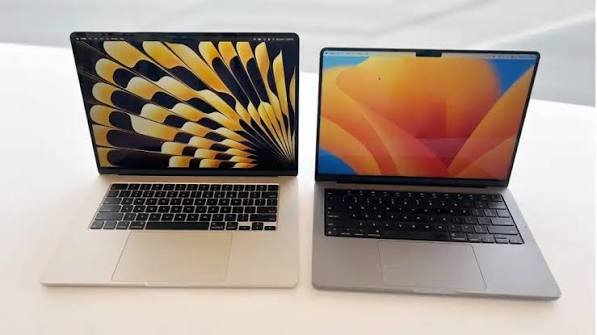
Macs are more limited in terms of hardware choices, but the experience is more consistent across Apple’s lineup.
Mac vs PC in 2026: Quick Comparison
| Category | Mac | PC |
| Operating system | macOS | Windows 11 |
| Hardware choices | More limited | Very wide selection |
| Gaming | Improving, but limited | Excellent |
| Battery life | Often excellent | Varies widely |
| Build quality | Generally premium | Depends on model |
| Price range | Usually mid to premium | Budget to premium |
| Software compatibility | Strong | Very broad |
| Customization | More limited | Extensive |
| Upgrades | Limited on modern Macs | More options on many PCs |
| Apple ecosystem | Excellent | Limited |
| Touchscreen options | No Mac touchscreen laptops | Many options |
| Professional software | Strong | Very strong |
Neither platform wins every category.
Your workload matters more than the logo on the laptop.
Should I Get a Mac?
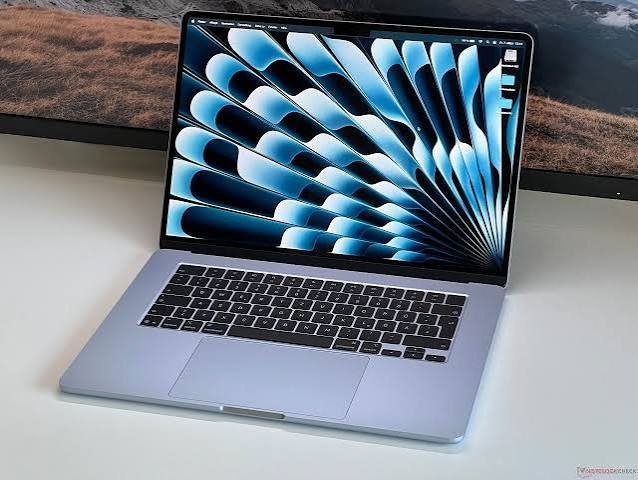
A Mac is worth considering if you want a laptop that is easy to carry, has strong battery life, and works well for everyday productivity.
Modern Apple silicon Macs also offer strong performance without requiring the kind of cooling hardware found in many high-performance Windows laptops.
Apple’s current macOS 27 supports Apple silicon Macs dating back to the M1 generation, including current M5 Macs and older M1 and M2 models.
A Mac may be right for you if you:
- Write or study frequently
- Work with documents and spreadsheets
- Browse the web heavily
- Edit photos
- Edit videos
- Program
- Work remotely
- Value battery life
- Own an iPhone
- Want a premium laptop
- Prefer a simple operating system
The Apple ecosystem can also be a major advantage.
If you already use an iPhone or iPad, features such as Airdrop, iCloud, Handoff, and other continuity features can make moving between devices convenient.
Should I Get a PC?
A Windows PC may be the better fit if you want more freedom when choosing hardware.
There are thousands of Windows laptops and desktops.
You can choose between:
- Cheap laptops
- Business laptops
- Gaming laptops
- 2-in-1 laptops
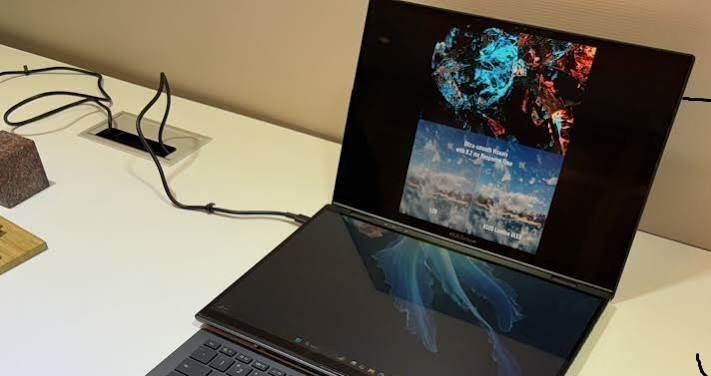
- Touchscreen laptops
- Workstations
- Mini PCs
- Custom desktop PCs
That variety is one of Windows’ biggest advantages.
You also have more flexibility when it comes to hardware upgrades, especially with desktop PCs.
Mac vs PC for Students
Both can work very well for students.
A MacBook can be a good choice if your schoolwork mainly involves writing, research, presentations, browsing, programming, and video calls.
A Windows laptop may be preferable if your school requires Windows-only software or specialized applications.
Before buying a Mac for school, check the software requirements for your course.
This is particularly important for engineering, architecture, specialized business applications, and other programs that may rely on Windows-specific software.
Mac vs PC for Gaming
If gaming is one of your main reasons for buying a computer, Windows gives you a much broader selection.
Windows PCs support a huge range of PC games and gaming hardware.
You can also choose a desktop with a dedicated graphics card and upgrade components later.
Mac gaming has improved significantly, but game compatibility is still more limited.
You can play games on modern Macs, but if gaming is your main priority, check the specific games you want before buying.
Trying to run Windows on an Apple silicon Mac also isn’t identical to owning a Windows PC. Microsoft says Windows 11 can run on M1, M2, and M3 Macs through virtualization solutions such as Parallels, but Windows on Arm has compatibility limitations for some hardware, apps, and games.
Mac vs PC for Work
For general office work, either platform can be excellent.
Both can handle:
- Microsoft Word
- Excel
- PowerPoint
- Web apps
- Video meetings
- Cloud storage
- Project management
- Business communication
The important question is whether your employer requires specific Windows software.
If your company uses specialized Windows applications, a Windows PC may make your life easier.
If your work is mostly browser-based and uses common productivity applications, either platform can work well.
Mac vs PC for Programming
Both Macs and Windows PCs are capable development machines.
Macs are particularly popular among developers who work with Unix-based development environments and Apple’s own software platforms.
A Mac is also required if you want to develop and publish native iPhone, iPad, or macOS applications using Apple’s development tools.
Windows is extremely flexible for programming too.
It’s especially useful if your development work involves Microsoft technologies, Windows applications, certain enterprise environments, or hardware that requires Windows drivers.
Your programming language matters less than the tools and development environment you need.
Mac vs PC for Creators
For photo and video editing, both platforms have excellent software.
Macs are popular among photographers, video editors, musicians, designers, and other creative professionals.
Apple silicon also provides strong performance for many creative workloads.
Windows, however, offers a wider range of hardware.
For example, you can build a Windows desktop with a powerful dedicated GPU, large amounts of RAM, multiple storage drives, and other specialized components.
For serious creative work, compare the specific computer, rather than simply choosing Mac or PC.
Mac vs PC: Which Has Better Battery Life?
Battery life depends heavily on the individual model.
However, Apple’s Apple silicon Macs are known for combining strong performance with efficient power consumption.
This is one reason MacBooks are popular with people who work away from a desk.
Windows laptops have improved considerably as well.
Modern Windows Arm-based PCs can also provide long battery life and power-efficient performance, according to Microsoft.
So don’t assume every Mac automatically beats every Windows laptop.
Compare the actual models you’re considering.
Mac vs PC: Which Is Cheaper?
Windows gives you more choices at almost every price level.
That’s a major advantage if you’re shopping on a tight budget.
You can find Windows laptops designed for basic browsing and schoolwork without spending as much as you might on a new MacBook.
Macs generally occupy the mid-range to premium part of the laptop market.
However, price isn’t the only thing to consider.
A laptop that costs less initially isn’t necessarily cheaper over its useful life if it has weaker battery life, a poorer display, or doesn’t meet your workload requirements.
Mac vs PC: Which Is Easier to Use?
This is subjective.
macOS is designed around a relatively consistent experience across Apple’s hardware.
Windows gives you more customization and hardware variety.
If you prefer simplicity, macOS may feel more straightforward.
If you like changing settings, installing different hardware, customizing your setup, and having more control over the system, Windows may feel more flexible.
Neither approach is automatically better.
What About Upgrading a Mac or PC?
This is an important difference.
Most modern MacBooks have limited upgrade options after purchase.
That’s why choosing enough RAM and storage when you buy the Mac matters.
Windows PCs vary significantly.
Some laptops have limited upgradeability, while desktop PCs can offer extensive options for upgrading RAM, storage, graphics cards, and other components.
If hardware upgrades are important to you, investigate the exact model before buying.
Mac or PC: Which Should You Buy?
Instead of asking which one is universally better, start with your priorities.
Choose a Mac if you want:
- Excellent portability
- Strong battery life
- A premium laptop
- macOS
- Good performance for everyday work
- A strong Apple ecosystem
- Photo and video editing
- Programming
- A simple, consistent experience
Choose a PC if you want:
- More hardware choices
- Lower-cost options
- Gaming
- Touchscreen laptops
- More customization
- More upgrade possibilities
- Windows-specific applications
- A wide range of desktop options
Mac vs PC: What About the Apple Ecosystem?
This deserves special attention if you already own Apple devices.
If you have an iPhone, AirPods, iPad, or Apple Watch, a Mac can fit naturally into that ecosystem.
For example, Airdrop makes it easy to transfer files between compatible Apple devices.
Messages, photos, passwords, and other information can also work across Apple’s ecosystem when configured correctly.
This doesn’t mean you need an iPhone to enjoy a Mac.
It simply means the combination can be particularly convenient.
Should You Get a Mac or PC in 2026?
There’s no single answer that works for everyone.
If you want a premium portable laptop for school, work, writing, programming, photo editing, or everyday use, a Mac is worth serious consideration.
If you want gaming, a huge selection of hardware, touchscreen options, extensive customization, or a lower entry price, a Windows PC may fit your needs better.
The most important thing is to choose based on your software and workload first.
Don’t buy a Mac simply because it’s popular.
Don’t buy a PC simply because it’s cheaper.
Choose the platform that works with the things you actually need to do.
Frequently Asked Questions
Is a Mac better than a PC?
Neither is universally better. Macs and PCs have different strengths. Macs offer macOS, Apple’s ecosystem, and strong performance and portability. PCs offer greater hardware variety, customization, and gaming options.
Is a PC better than a Mac for gaming?
Generally, Windows PCs provide broader game compatibility and a much larger selection of gaming hardware.
Is Mac good for students?
Yes. MacBooks can be excellent for writing, research, presentations, programming, browsing, video calls, and everyday schoolwork. However, students should check whether their courses require Windows-only software.
Is Mac or Windows better for work?
It depends on the software your job requires. Common productivity applications work on both platforms, while specialized business software may be designed primarily for Windows.
Should I buy a Mac if I have an iPhone?
It can make sense. Apple’s ecosystem provides convenient features for moving files and information between compatible devices.
Is a Mac good for programming?
Yes. Macs are capable development machines and are particularly relevant if you want to develop native Apple applications.
Which is cheaper, Mac or PC?
Windows PCs generally offer more budget options. Macs are primarily positioned in the mid-range and premium segments.
Can you run Windows on a Mac?
Apple silicon Macs can run Windows 11 Arm through supported virtualization options, but Microsoft notes that some Windows apps, games, and hardware may have compatibility limitations.
Final Verdict
So, should you get a Mac or PC?
If you want a portable computer for productivity, school, work, programming, writing, and creative tasks, a Mac can be an excellent choice.
If you care most about gaming, hardware variety, customization, or getting the most choices for your money, a Windows PC may be a better fit.
The best decision comes down to one question:
What do you actually need your computer to do?
Start there, then choose the platform.
[…] Should I Get a Mac or PC? […]