

As an Amazon Associate, I earn from qualifying purchases
If you’re looking for the best MacBook for photo editing in 2026, you don’t necessarily need the most powerful MacBook available.
For most photographers, the MacBook Air M5 provides more than enough performance for Lightroom, Photoshop, RAW photo editing, and everyday creative work. If you’re a professional photographer working with large libraries, complex Photoshop projects, or demanding workflows, the MacBook Pro with M5 Pro or M5 Max is the better fit.
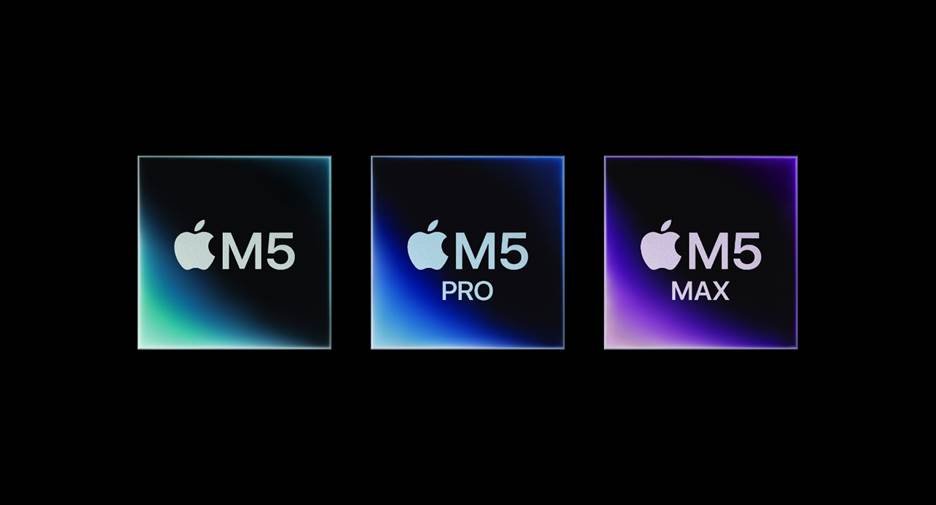
The biggest differences come down to display quality, memory, sustained performance, storage, and portability.
Best MacBooks for Photo Editing
| MacBook | Best For | Key Advantage |
| MacBook Air M5 13-inch | Most photographers | Portable and powerful |
| MacBook Air M5 15-inch | Photo editing with more screen space | Larger display |
| MacBook Pro 14-inch M5 | Serious photo editing | Better display and sustained performance |
| MacBook Pro 14/16-inch M5 Pro | Professional photographers | More performance and memory |
| MacBook Pro 16-inch M5 Max | Heavy professional workflows | Maximum performance |
1. MacBook Air M5 13-inch – Best MacBook for Most Photo Editors
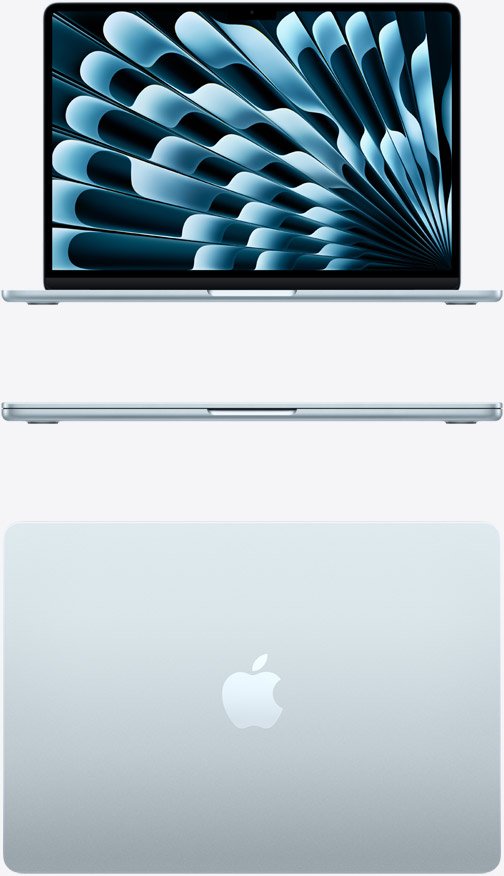
For most photographers, the 13-inch MacBook Air M5 is the easiest recommendation.
The M5 Air has a 10-core CPU, an 8-core or 10-core GPU depending on configuration, 16GB of unified memory as standard, and support for up to 32GB. It also includes a 512GB SSD as standard, with options for larger storage.
That is plenty for many photography workflows.
You can comfortably use applications such as:
- Adobe Photoshop
- Adobe Lightroom
- Capture One
- Affinity Photo
- Pixelmator
- Other RAW photo editors
The Air also has a 13.6-inch Liquid Retina display with P3 wide color, support for one billion colors, and 500 nits brightness.
For photographers who travel frequently, the Air’s combination of performance, portability and battery life is particularly useful.
Why choose the 13-inch MacBook Air?
- Excellent performance for everyday photo editing
- P3 wide-color display
- 16GB unified memory
- Up to 32GB memory
- Up to 4TB SSD
- Very portable
- Up to 18 hours of Apple-rated video streaming
Best for: Students, hobbyist photographers, travelers and most Lightroom or Photoshop users.
2. MacBook Air M5 15-inch – Best for a Larger Editing Workspace
The 15-inch MacBook Air M5 is worth considering if you want more screen space without moving to a MacBook Pro.
Its 15.3-inch Liquid Retina display has a 2880×1864 resolution, 500 nits brightness, P3 wide color and support for one billion colors. It also uses the M5 chip with a 10-core GPU.
The larger display gives you more room for:
- Lightroom panels
- Photoshop toolbars
- Large photo previews
- Side-by-side images
- Photo catalogs
For photographers who edit primarily on the laptop itself, that extra screen area can make the workflow more comfortable.
The trade-off is portability. The 13-inch Air is easier to carry around, while the 15-inch model gives you a more spacious workspace.
Best for: Photographers who want a large screen but still prefer the thin and portable Air design.
3. MacBook Pro 14-inch M5 – Best for Serious Photo Editing
If photo editing is a major part of your work, the 14-inch MacBook Pro is a significant step up.
Its Liquid Retina XDR display is one of its biggest advantages. It has a 3024×1964 resolution, P3 wide color, a 1,000,000:1 contrast ratio, up to 1,000 nits sustained brightness and up to 1,600 nits peak brightness for HDR content. It also supports ProMotion up to 120Hz.
That makes the Pro particularly attractive to photographers who care about display quality and accurate evaluation of images.
The 14-inch MacBook Pro M5 also supports up to 32GB of unified memory and up to 4TB of SSD storage.
Why choose the MacBook Pro?
The Pro is better suited to photographers who regularly work with:
- Large RAW files
- Huge Lightroom catalogs
- Complex Photoshop documents
- Multiple applications simultaneously
- External displays
- Long editing sessions
Best for: Professional photographers and serious enthusiasts who want a better built-in display and more sustained performance.
4. MacBook Pro M5 Pro – Best for Professional Photographers
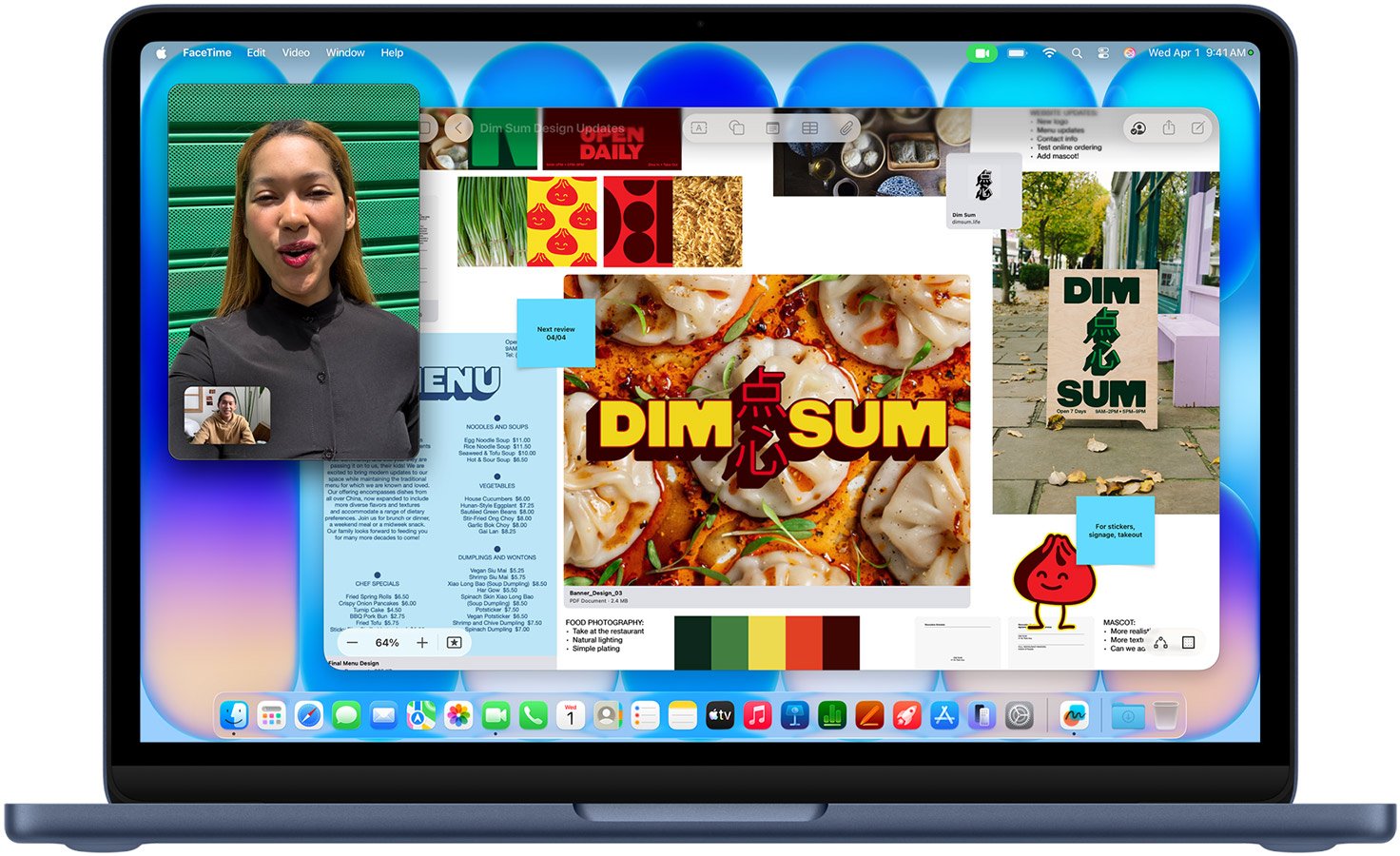
For professional photography businesses, the M5 Pro MacBook Pro offers considerably more headroom.
Apple’s current MacBook Pro lineup supports significantly higher memory configurations with M5 Pro and M5 Max chips, including configurations up to 64GB or more depending on the chip.
More memory becomes useful when your workflow involves large Photoshop documents, massive photo libraries, multiple creative applications, and external displays.
The M5 Pro models also feature Thunderbolt 5 connectivity, making them better suited to professional desktop setups with high-speed storage and multiple displays.
Best for: Professional photographers, studios and users with demanding multitasking workflows.
5. MacBook Pro 16-inch M5 Pro or M5 Max – Best for Heavy Workloads
The 16-inch MacBook Pro is the option to consider when you want the largest built-in workspace and maximum performance.
Its 16.2-inch Liquid Retina XDR display offers 3456×2234 resolution, P3 wide color, up to 1,600 nits peak HDR brightness and ProMotion up to 120Hz.
The larger screen can be particularly useful when working with detailed images while keeping editing panels open.
The downside is simple: it’s larger and heavier than the Air.
Best for: Professional photographers who spend most of their working day editing at their MacBook.
How Much RAM Do You Need for Photo Editing?
For a new MacBook, 16GB is a sensible starting point for photo editing.
It is enough for many Lightroom and Photoshop workflows, especially when you’re editing individual RAW files and working with a moderate photo library.
If you regularly use Photoshop with large layered documents, Lightroom alongside other creative applications, or large photo catalogs, consider 24GB or 32GB.
Professional users with extremely demanding workflows may benefit from the higher memory configurations available on MacBook Pro models.
Remember that Apple silicon MacBooks use unified memory, so you cannot simply upgrade the RAM later. Choosing the right configuration when buying is important.
How Much Storage Do You Need?
Photo files can consume storage surprisingly quickly.
RAW files are considerably larger than JPEGs, and professional photographers can accumulate thousands of images.
For most photo editors, 512GB is a reasonable starting point, especially if you use external SSD storage or cloud storage.
Consider 1TB or more if you regularly keep your complete photo library on the MacBook.
The current MacBook Air M5 starts with a 512GB SSD and can be configured with up to 4TB.
MacBook Air vs MacBook Pro for Photo Editing
The decision is fairly straightforward.
Choose MacBook Air if:
- You’re a hobbyist photographer
- You’re a student
- You primarily use Lightroom and Photoshop
- You want maximum portability
- You edit photos occasionally or regularly but don’t need workstation-level performance
Choose MacBook Pro if:
- Photography is part of your profession
- You edit large RAW libraries
- You use Photoshop extensively
- You want an XDR display
- You need more memory
- You perform demanding creative work for long periods
Is MacBook Air Good for Photoshop and Lightroom?
Yes.
The M5 MacBook Air has enough CPU and GPU performance for a wide range of Photoshop and Lightroom workflows. Its P3 display and support for one billion colors also make it well suited to color-focused creative work.
The main reason to move to a MacBook Pro isn’t that the Air can’t edit photos. It’s that professional users may benefit from the Pro’s superior display, additional performance headroom, memory options and connectivity.
Final Verdict: What Is the Best MacBook for Photo Editing?
For most people, the 13-inch MacBook Air M5 is the best MacBook for photo editing. It provides strong performance, a high-quality P3 display, plenty of memory for typical workflows and excellent portability.
Choose the 15-inch MacBook Air M5 if you want more screen space.
Choose the 14-inch MacBook Pro if display quality and sustained performance are more important than portability.
For professional photographers with demanding workflows, the MacBook Pro with M5 Pro or M5 Max provides the additional performance and memory headroom needed for heavier workloads.
The key is to buy for your actual editing workflow rather than simply choosing the most powerful MacBook available.
FAQs
What is the best MacBook for Photoshop?
The MacBook Air M5 is powerful enough for many Photoshop users. Professional users working with large layered files may prefer a MacBook Pro with more memory and sustained performance.
Is MacBook Air M5 good for Lightroom?
Yes. The M5 MacBook Air is well suited to Lightroom, including RAW photo editing and catalog management.
Is 16GB RAM enough for photo editing on a MacBook?
Yes, 16GB is enough for many photographers. If you regularly work with large Photoshop files, huge catalogs or several creative applications simultaneously, consider 24GB or 32GB.
Is MacBook Pro better than MacBook Air for photographers?
It depends on the workload. The MacBook Pro offers a superior XDR display, more performance options and higher memory configurations, while the MacBook Air is lighter and already powerful enough for many photographers.
Is 512GB enough for photo editing?
512GB can be enough if you use external SSDs or cloud storage. Photographers who keep large RAW libraries locally should consider 1TB or more.
Do photographers need a MacBook Pro?
No. Many photographers can comfortably use a MacBook Air. A MacBook Pro becomes more attractive when photography is a professional workload or when you need a larger display, more memory and sustained performance.