

As an Amazon Associate, I earn from qualifying purchases
Choosing the best MacBook for business isn’t just about buying the most powerful model available.
For most business owners and professionals, the ideal laptop needs to be reliable, portable, fast enough for multitasking, comfortable to use throughout the day, and capable of lasting for years.
In 2026, the MacBook Air with M5 is the best MacBook for most business users. It offers strong performance, excellent battery life, a lightweight design, and enough power for everyday professional work.
However, business users with demanding workloads may be better served by a MacBook Pro.
So which MacBook should you choose?
Best MacBooks for Business in 2026
| MacBook | Best For | Why |
| MacBook Air 13-inch M5 | Most business users | Portable, powerful, quiet, long battery life |
| MacBook Air 15-inch M5 | Multitasking | Larger screen with strong portability |
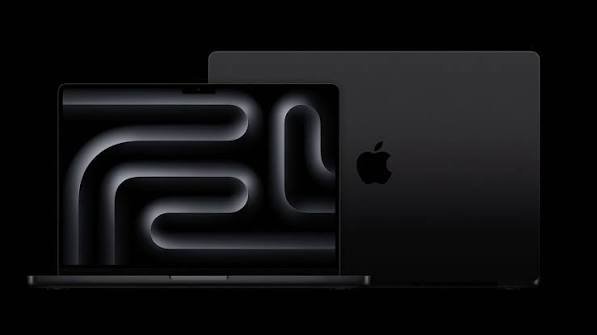
| MacBook Pro 14-inch | Professionals | More performance, ports, and advanced display |
| MacBook Pro 16-inch | Heavy workloads | Maximum screen space and sustained performance |
1. MacBook Air 13-inch M5 — Best MacBook for Most Business Users
For most professionals, the 13-inch MacBook Air with M5 is the best place to start.
It has enough performance for common business tasks while remaining thin and lightweight enough to take almost anywhere.
The M5 MacBook Air includes 16GB of unified memory as standard and can be configured with up to 32GB. It also starts with 512GB of SSD storage and can be configured with up to 4TB. Apple rates it for up to 18 hours of video streaming.
For business users, that combination is important.
You can comfortably use it for:
- Microsoft Office
- Google Workspace
- Web browsing
- Video conferencing
- Accounting software
- Presentations
- Customer management systems
- Programming
- Photo editing
- Content creation
- Business research
- Multitasking
The Air is also fanless, so it operates silently during normal workloads.
That can be useful when you’re working in meetings, offices, coffee shops, libraries, or shared workspaces.
Apple itself describes the M5 MacBook Air as a laptop suited to business users, and current testing continues to rank it among the strongest general-purpose laptops available.
Best for: Entrepreneurs, freelancers, managers, consultants, remote workers, and most office professionals.
2. MacBook Air 15-inch M5 — Best for Multitasking
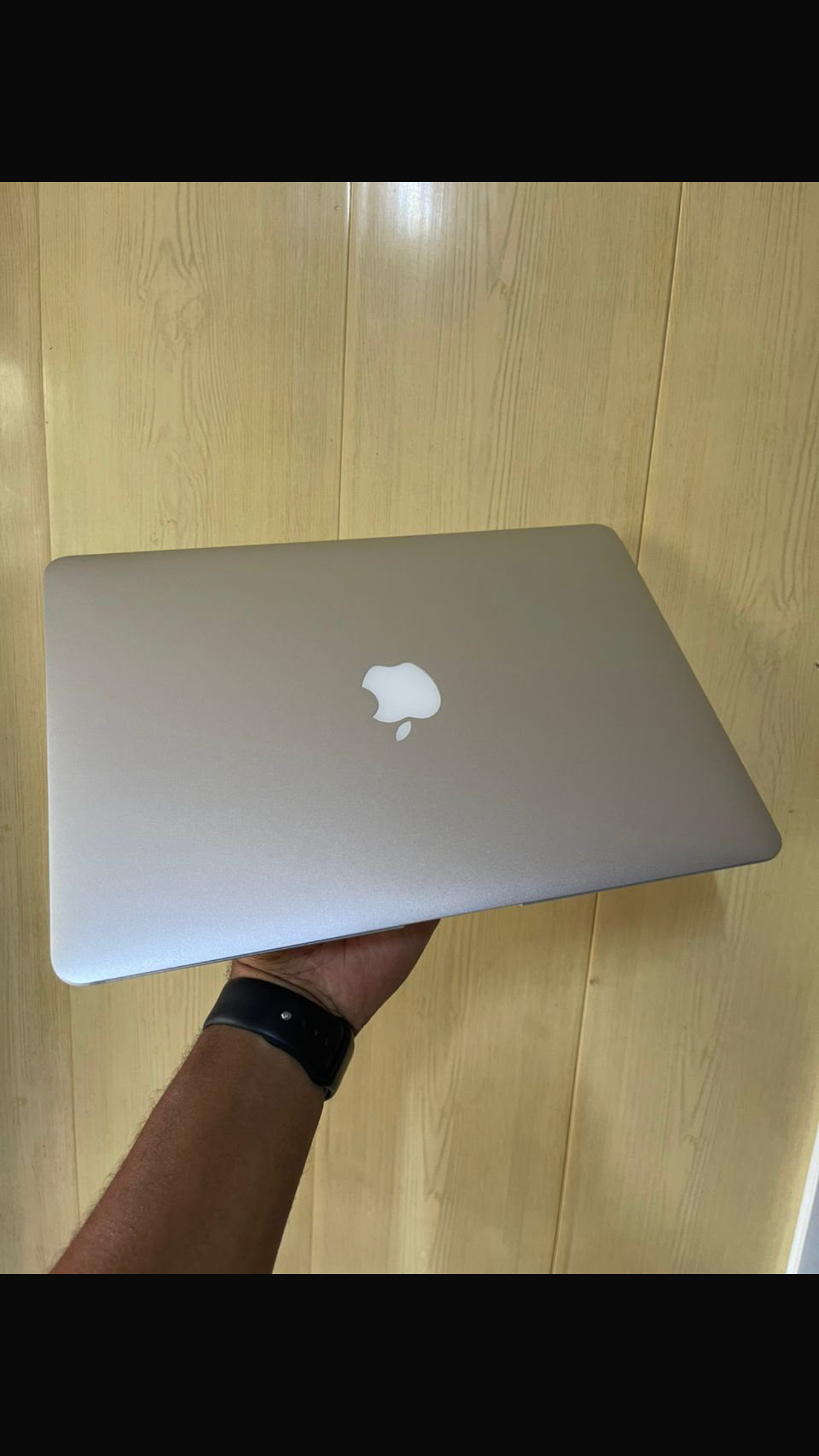
If your work involves multiple windows, spreadsheets, documents, dashboards, and browser tabs, the 15-inch MacBook Air deserves serious consideration.
Its larger 15.3-inch Liquid Retina display gives you more workspace than the 13-inch model while keeping the same M5 processor family.
It also supports up to 32GB of unified memory and up to 4TB of storage. Apple rates it for up to 18 hours of video streaming.
The larger screen is particularly useful for:
- Financial spreadsheets
- Project management
- Business dashboards
- Writing and research
- Coding
- Content creation
- Presentations
The tradeoff is portability. It’s still a highly portable laptop, but the 13-inch Air is easier to carry around all day.
Best for: Business owners and professionals who spend most of their working day multitasking.
3. MacBook Pro 14-inch — Best for Demanding Business Work
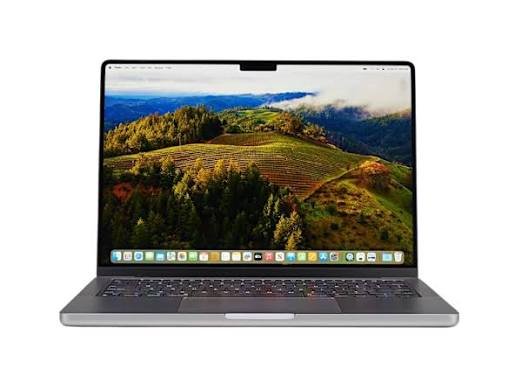
The 14-inch MacBook Pro is the better choice when your business depends on demanding applications.
The current lineup includes M5, M5 Pro, and M5 Max configurations, giving professional users considerably more performance headroom than the Air. Apple introduced the M5 Pro and M5 Max MacBook Pro models in 2026 specifically for demanding professional workloads.
A MacBook Pro makes more sense if your business involves:
- Professional video editing
- 3D rendering
- Software development
- AI development
- Large data analysis
- Music production
- Advanced photography
- Engineering applications
- Animation
- Heavy multitasking
The Pro also has active cooling, allowing it to sustain demanding workloads for longer periods.
Another advantage is connectivity.
The 14-inch MacBook Pro provides three Thunderbolt ports, HDMI, an SDXC card slot, MagSafe, and a headphone jack.
That makes it much easier to connect professional equipment without relying heavily on adapters.
Best for: Developers, engineers, creative professionals, data specialists, and power users.
4. MacBook Pro 16-inch — Best for Business Power Users
The 16-inch MacBook Pro is the most appropriate choice for professionals who treat their laptop like a mobile workstation.
The larger display gives you more room for complex projects, timelines, code, spreadsheets, and professional applications.
It’s particularly useful for people who spend most of their working hours at a desk but still need the ability to take their workstation with them.
However, the larger size makes it less convenient for frequent travel.
Best for: Video professionals, developers, engineers, researchers, and other users with extremely demanding workloads.
MacBook Air vs MacBook Pro for Business
For most business users, the MacBook Air is enough.
There’s a common misconception that buying a Pro automatically means you’re getting a better business laptop.
That’s not necessarily true.
If your work involves email, documents, spreadsheets, presentations, meetings, browser-based applications, accounting, sales tools, and general productivity, the Air already provides more than enough performance.
The Pro becomes worthwhile when your workload regularly pushes the computer for long periods.
| Business Need | Best Choice |
| Email and documents | MacBook Air |
| Remote work | MacBook Air |
| Business management | MacBook Air |
| Accounting | MacBook Air |
| Marketing | MacBook Air |
| Programming | MacBook Air or Pro |
| Video editing | MacBook Pro |
| 3D design | MacBook Pro |
| AI development | MacBook Pro |
| Heavy data workloads | MacBook Pro |
| Professional creative work | MacBook Pro |
How Much RAM Does a Business User Need?
For a business laptop, 16GB of unified memory is a sensible starting point.
It provides enough headroom for typical multitasking, especially if you’re regularly switching between browsers, office applications, communication tools, and other business software.
If you’re a professional developer, creative, engineer, or data specialist, consider 24GB or 32GB where your workload justifies it.
The important thing is to think about what you’ll be doing three or four years from now, not just what you need today.
Modern MacBook memory is integrated and cannot be upgraded later, so choosing the right configuration when you buy matters.
How Much Storage Does a Business MacBook Need?
For general business work, 512GB is a comfortable starting point.
Business files can accumulate surprisingly quickly, particularly when you’re storing presentations, customer documents, photographs, videos, project files, and local applications.
If your business works with large media files, databases, virtual machines, or professional creative projects, consider more storage.
Cloud storage and external SSDs can also reduce the amount of information you need to keep on the internal drive.
Is MacBook Good for Small Business?
Yes.
A MacBook can be an excellent small-business computer because it combines portability, performance, battery life, security features, and a relatively simple user experience.
It’s suitable for many types of businesses, including:
- Freelancers
- Digital marketing
- Consulting
- Writing
- Photography
- Online businesses
- E-commerce
- Accounting
- Software development
- Content creation
- Management and administration
However, software compatibility should always be checked before switching from Windows.
Some industries rely heavily on Windows-only applications.
Is MacBook Good for Remote Work?
The MacBook Air is particularly well suited to remote work.
Its lightweight design makes it easy to move between your home office, coworking space, and other locations.
The long battery life is also useful when you aren’t near an outlet.
The M5 Air includes a 12MP Center Stage camera, making it well suited to video calls and online meetings.
For a remote worker, the 13-inch Air is arguably the best balance between portability and productivity.
MacBook for Business Travel
If you travel frequently for work, the 13-inch MacBook Air is the model I’d choose.
It is small enough to fit comfortably into most work bags and light enough that carrying it throughout the day isn’t particularly difficult.
If you need a larger display but still travel regularly, the 15-inch Air is a reasonable compromise.
The MacBook Pro makes more sense when performance is more important than minimizing weight and size.
What About Business Software Compatibility?
This is one area where you should do some research before buying.
macOS supports a huge range of professional applications, including Microsoft Office, Adobe Creative Cloud, web-based business tools, accounting applications, development environments, and communication platforms.
But some specialized business applications are designed specifically for Windows.
If your company relies on proprietary Windows software, check compatibility before purchasing a MacBook.
For a business owner, software compatibility is more important than benchmark scores.
Best MacBook for Business by Profession
Entrepreneur: MacBook Air 13-inch
Freelancer: MacBook Air 13-inch
Consultant: MacBook Air 13-inch or 15-inch
Accountant: MacBook Air
Marketing professional: MacBook Air
Software developer: MacBook Air or MacBook Pro
Graphic designer: MacBook Air or MacBook Pro
Video editor: MacBook Pro
Photographer: MacBook Air or MacBook Pro
Data professional: MacBook Pro
Business executive: MacBook Air 13-inch or 15-inch
Final Verdict
The best MacBook for business in 2026 is the 13-inch MacBook Air with M5 for most users.
It has the performance needed for everyday business, excellent battery life, a lightweight design, a high-quality display, and enough memory and storage for serious productivity.
Choose the 15-inch MacBook Air if your work involves lots of multitasking and you want more screen space.
Choose the 14-inch MacBook Pro if your business depends on demanding professional workloads, additional ports, or sustained performance.
And choose the 16-inch MacBook Pro if you need maximum screen space and workstation-level performance in a portable computer.
The key is not to buy the most powerful MacBook simply because it is the most powerful.
For most business owners, the MacBook Air offers the better balance. For demanding professionals, the MacBook Pro is the smarter choice.
Frequently Asked Questions
What is the best MacBook for business in 2026?
The 13-inch MacBook Air with M5 is the best overall choice for most business users. It combines strong performance, long battery life, portability, and a quiet design.
Is MacBook Air good for business?
Yes. MacBook Air is more than capable of handling email, documents, spreadsheets, video meetings, web applications, accounting, marketing, programming, and general business work.
Should a business owner buy a MacBook Pro?
Only if the business requires demanding workloads such as professional video editing, software development, 3D work, AI development, or heavy data processing.
Is 16GB RAM enough for business?
For most business users, 16GB is enough. Professionals running demanding applications or extensive multitasking should consider higher-memory configurations.
Is MacBook good for small business owners?
Yes. A MacBook can be an excellent small-business computer, particularly for entrepreneurs, consultants, freelancers, marketers, developers, and other professionals.
Is MacBook Air or MacBook Pro better for business?
MacBook Air is better for most business users because it is lighter, quieter, and already powerful enough for everyday professional work. MacBook Pro is better for demanding workloads.
Which MacBook is best for working from home?
The 13-inch MacBook Air is an excellent choice for working from home because of its portability, battery life, performance, and comfortable everyday design.